


Why BMW Needs a Special Wireless Adapter
Discover why standard adapters often reach their limits with modern BMW models and how the OttoAibox i3 was developed for seamless integration into the iDrive system.
Learn moreMore freedom, less cable clutter
Converts wired Apple CarPlay or Android Auto into a wireless connection for a smoother experience and more flexibility in where and how you use your smartphone in the car.
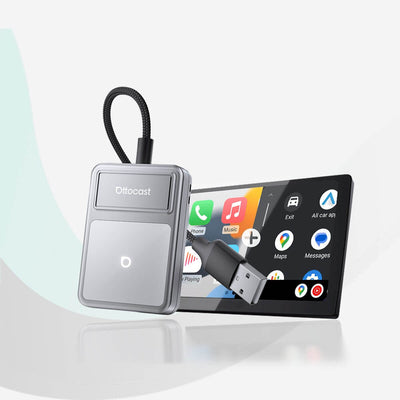 Ottocast® U2Air Edge Wireless CarPlay und Android Auto Adapter
 Ottocast® Mini Cube 3.0 Ultra Wireless CarPlay and Android Auto Adapter
 Ottocast® Mini Pico Wireless CarPlay and Android Auto Adapter
 U2AIR Pro Wireless CarPlay Adapter for iPhone
A smarter dashboard for every vehicle
Plug-and-play screen for all cars: activates a CarPlay or Android Auto dashboard with wireless connection, integrated front and rear cameras and GPS tracking – suitable for cars and motorcycles.
 OttoSafe Cam – 2-in-1 Dashcam & Wireless CarPlay Adapter
 Ottocast® Cabin Care Wireless CarPlay und Android Auto Adapter
Your car, smarter than ever
Extends mobile device connectivity with additional software – for more control over apps, functions, and the integrated infotainment system. Variable user interface with Apple CarPlay, Android Auto, and OttoDriveOS.
 Ottocast® Play2Video Ultra All-in-1 Adapter with App Hub
 Ottocast® Play2Video X Wireless CarPlay/Android Auto All-in-1 Adapter
 OttoAibox® E2 CarPlay AI Box
 Ottocast® i3 AI Box For BMW
A smarter dashboard for every vehicle
Plug-and-play screen for all cars: activates a CarPlay or Android Auto dashboard with wireless connection, integrated front and rear cameras and GPS tracking – suitable for cars and motorcycles.
 Ottoscreen® AI
 Ottocast® ScreenFlow Wireless CarPlay and Android Auto Display
Buy 1 product, get accessories 40% off
Combine with the main unit and save 40% on accessories, selected items only. Add the item to your cart now – the 40% discount code will be automatically applied.
 Wireless remote control
 4-in-1 Kfz-Ladegerät mit ausziehbarem Kabel
 4-in-1 Universal Fast Charging Cable
 Portable Car Screen Long Arm Bracket


Find the optimal
CarPlay solution for your vehicle
Supports vehicle models with wired CarPlay from the factory (model years 2016 to 2026). Use our database to check the exact compatibility for your vehicle.
Simple initial setup in a few steps. After the one-time pairing, your smartphone connects automatically and activates CarPlay every time you start the engine.
Non-destructive installation. No need to disassemble your vehicle – no wire cutting, just plug into the existing USB port.
COMPARE ALL SOLUTIONSSelect the make, model, and year to quickly check compatibility.
*Compatibility may vary depending on equipment. The actual vehicle configuration takes precedence.

Plug the adapter into the vehicle's USB port.

Enable Wi-Fi and Bluetooth and connect the smartphone to the adapter.

Select CarPlay on the vehicle display. Future connections will be automatic.
Plug the adapter into the vehicle's USB port.
Enable Wi-Fi and Bluetooth and connect the smartphone to the adapter.
Select CarPlay on the vehicle display. Future connections will be automatic.

Converts a wired Apple CarPlay or Android Auto connection into a wireless one. Offers more flexibility when positioning the smartphone.
All Models
2-in-1 system for enhanced in-vehicle safety. Combines wireless Apple CarPlay with a dashcam. Designed for iPhones and vehicles with wired factory CarPlay.
All Models
Integrates a standalone operating system with voice control. Allows independent use of streaming services directly via the vehicle display.
All Models
Aftermarket display for adding wireless CarPlay and Android Auto. Designed for vehicles without an integrated factory screen.
All Models
Converts a wired Apple CarPlay or Android Auto connection into a wireless one. Offers more flexibility when positioning the smartphone.
All Models
2-in-1 system for enhanced in-vehicle safety. Combines wireless Apple CarPlay with a dashcam. Designed for iPhones and vehicles with wired factory CarPlay.
All Models
Integrates a standalone operating system with voice control. Allows independent use of streaming services directly via the vehicle display.
All Models
Aftermarket display for adding wireless CarPlay and Android Auto. Designed for vehicles without an integrated factory screen.
All ModelsFind the right system in just a few steps.
Select the make, model, and year of your vehicle to quickly check compatibility.
* Compatibility varies by trim level. The physical configuration of your vehicle is decisive.
Your setup is ready
Compiled based on your answers. Further details on the product page.
A clear overview of the features of your chosen product.

Learn about simple cable testing and check your vehicle's data ports to best prepare for a smooth plug-and-play experience.
Learn more
Discover why standard adapters often reach their limits with modern BMW models and how the OttoAibox i3 was developed for seamless integration into the iDrive system.
Learn more
Learn how auto-reconnect technology simplifies the pairing process, allowing you to focus on the road – for a safe and smooth driving experience.
Learn more
Follow these simple steps to quickly get your wireless adapter up and running – designed to make your initial setup as effortless as possible.
Learn more
Ensure optimal performance of your device. Learn the basic steps for over-the-air firmware updates to ensure long-term system stability.
Learn more
Im Test Mini Cube→
Im Test Mini Nova →
Im Test P3 Pro →
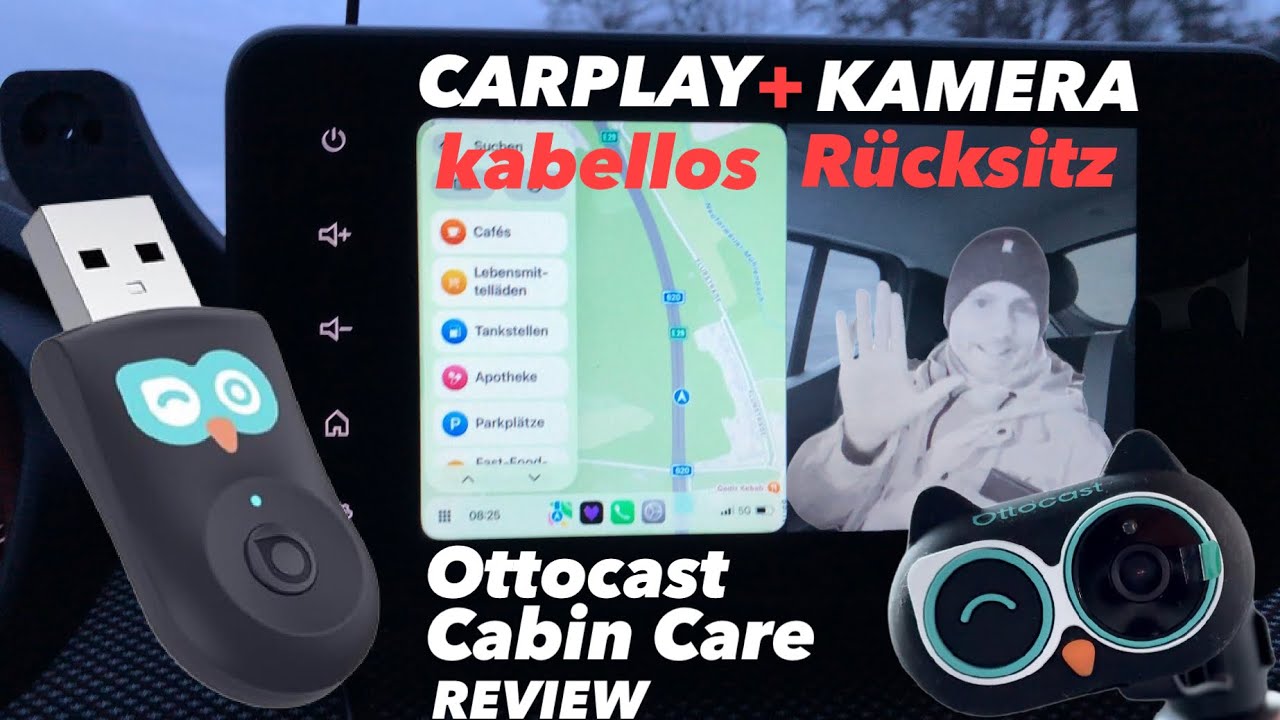
Im Test Cabin Care →