








More freedom, less cable clutter
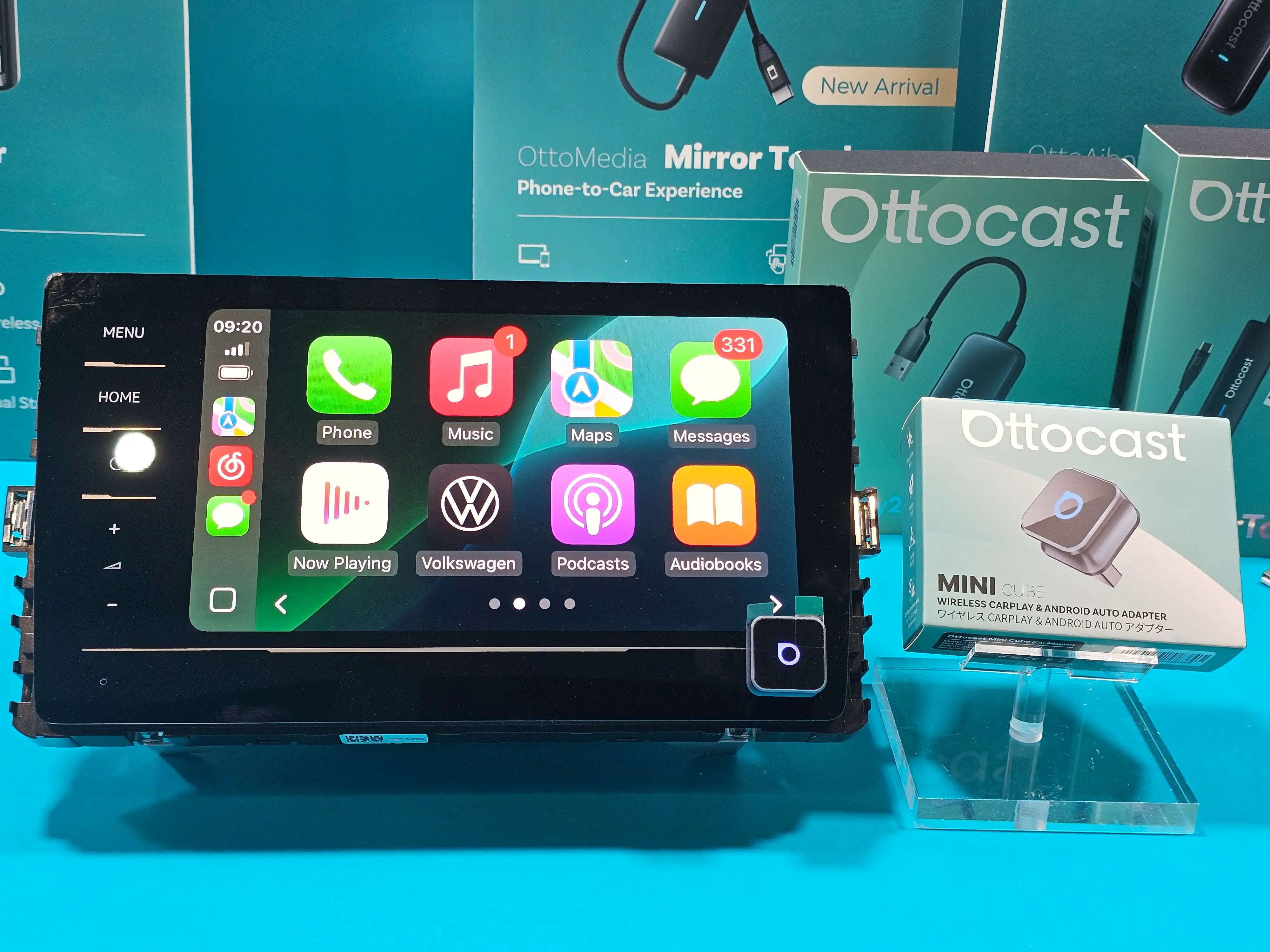
Converts wired Apple CarPlay or Android Auto into a wireless connection for a smoother experience and more flexibility in where and how you use your smartphone in the car.
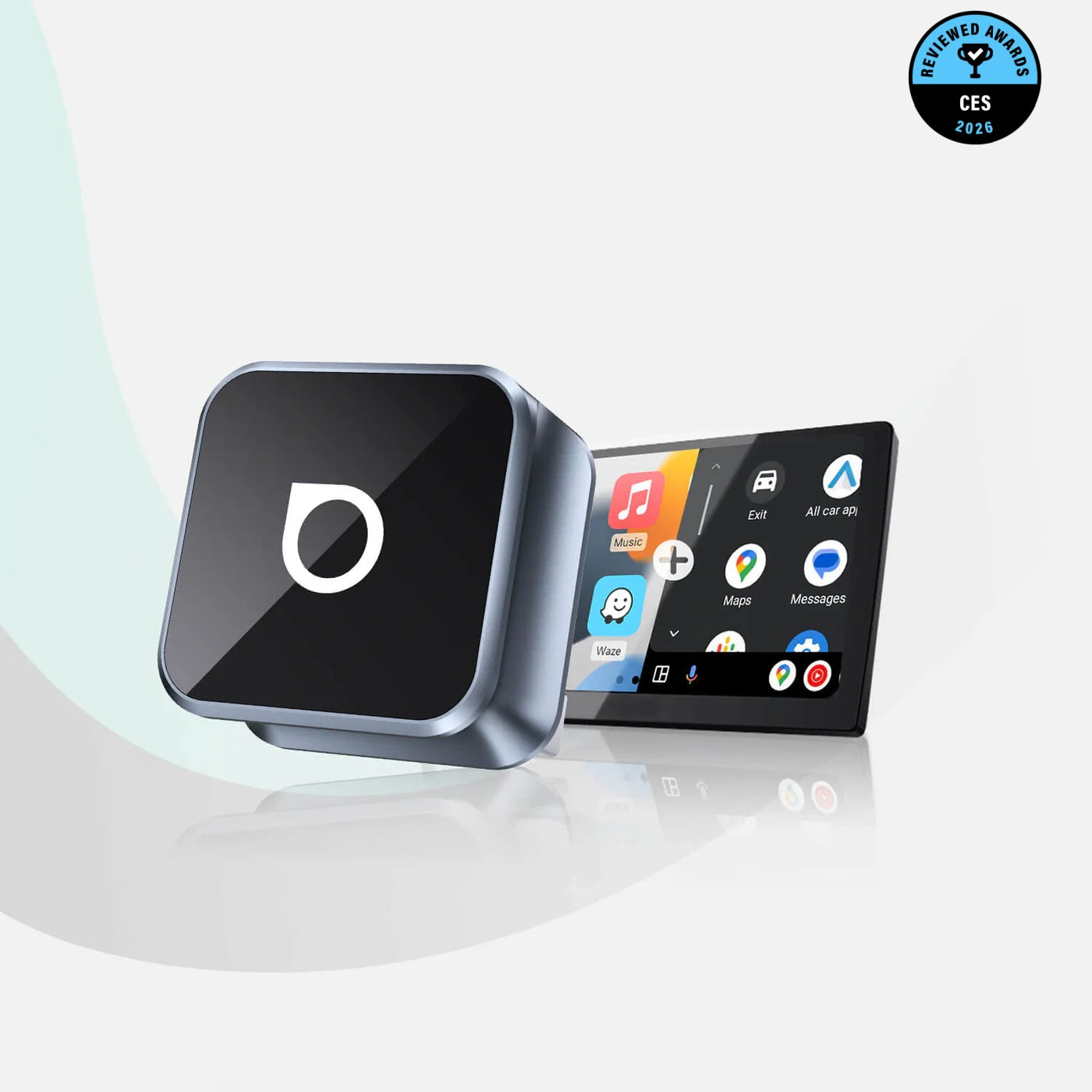
 Ottocast® Mini Cube 3.0 Ultra Wireless CarPlay and Android Auto Adapter
 Ottocast® Mini Pico Wireless CarPlay and Android Auto Adapter
 U2AIR Pro Wireless CarPlay Adapter for iPhone
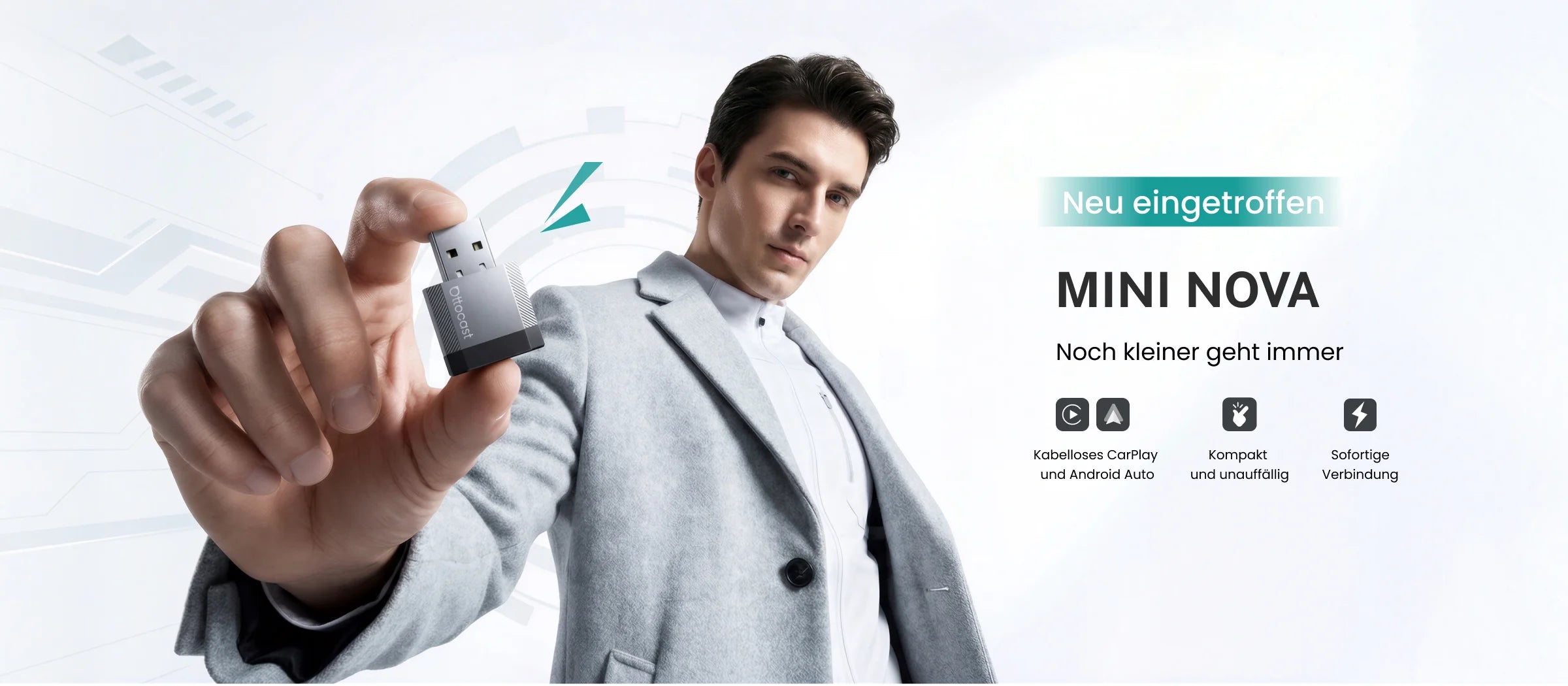
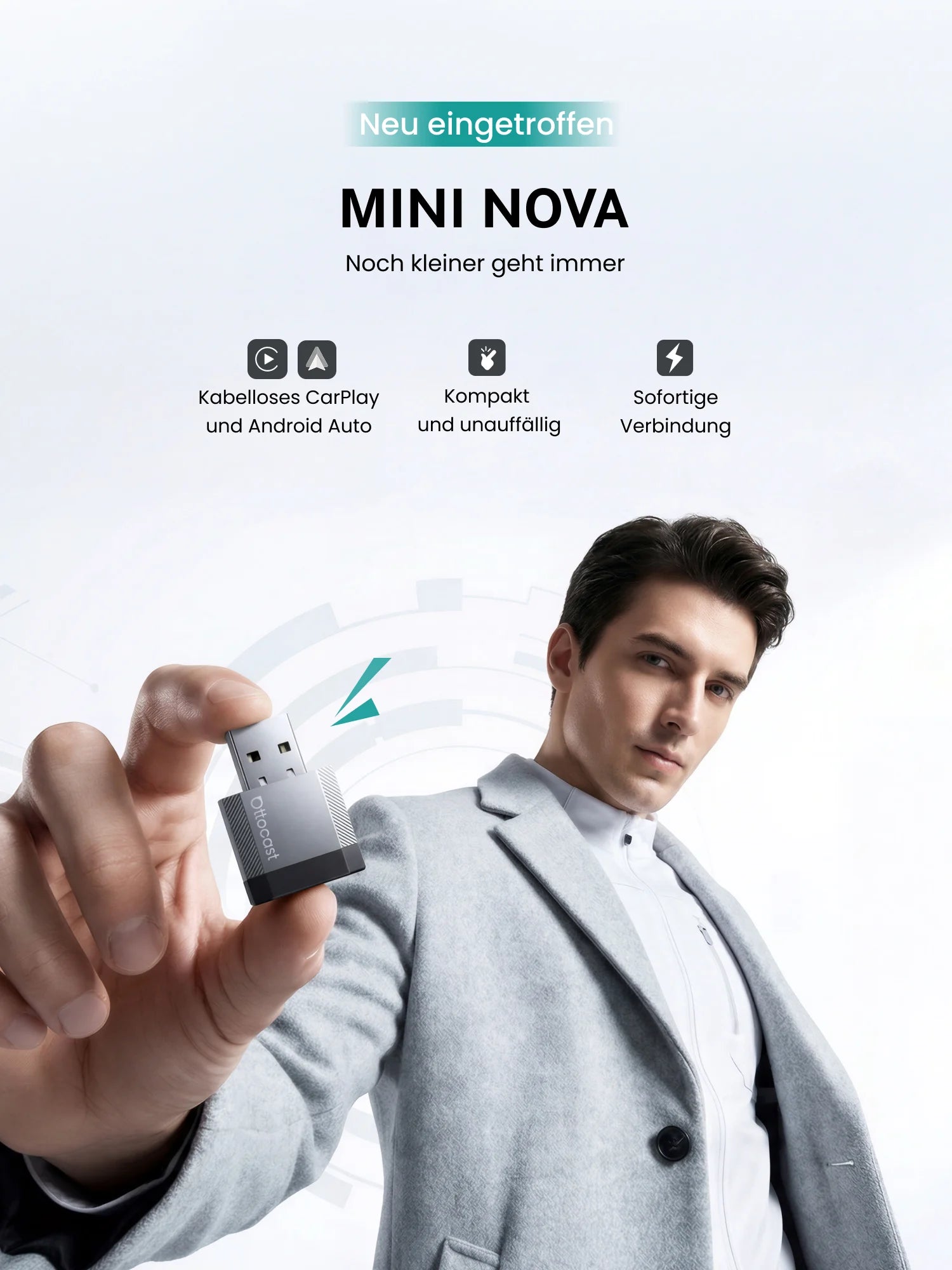
 Ottocast® Mini NOVA Wireless CarPlay and Android Auto Adapter
Discover more features
The OTTO Media series expands wireless CarPlay with integrated features for a smarter driving experience – including touch controls, real-time rear view, and HDMI connectivity for enhanced multimedia capabilities. This gives you greater control, safety, and entertainment in your vehicle.
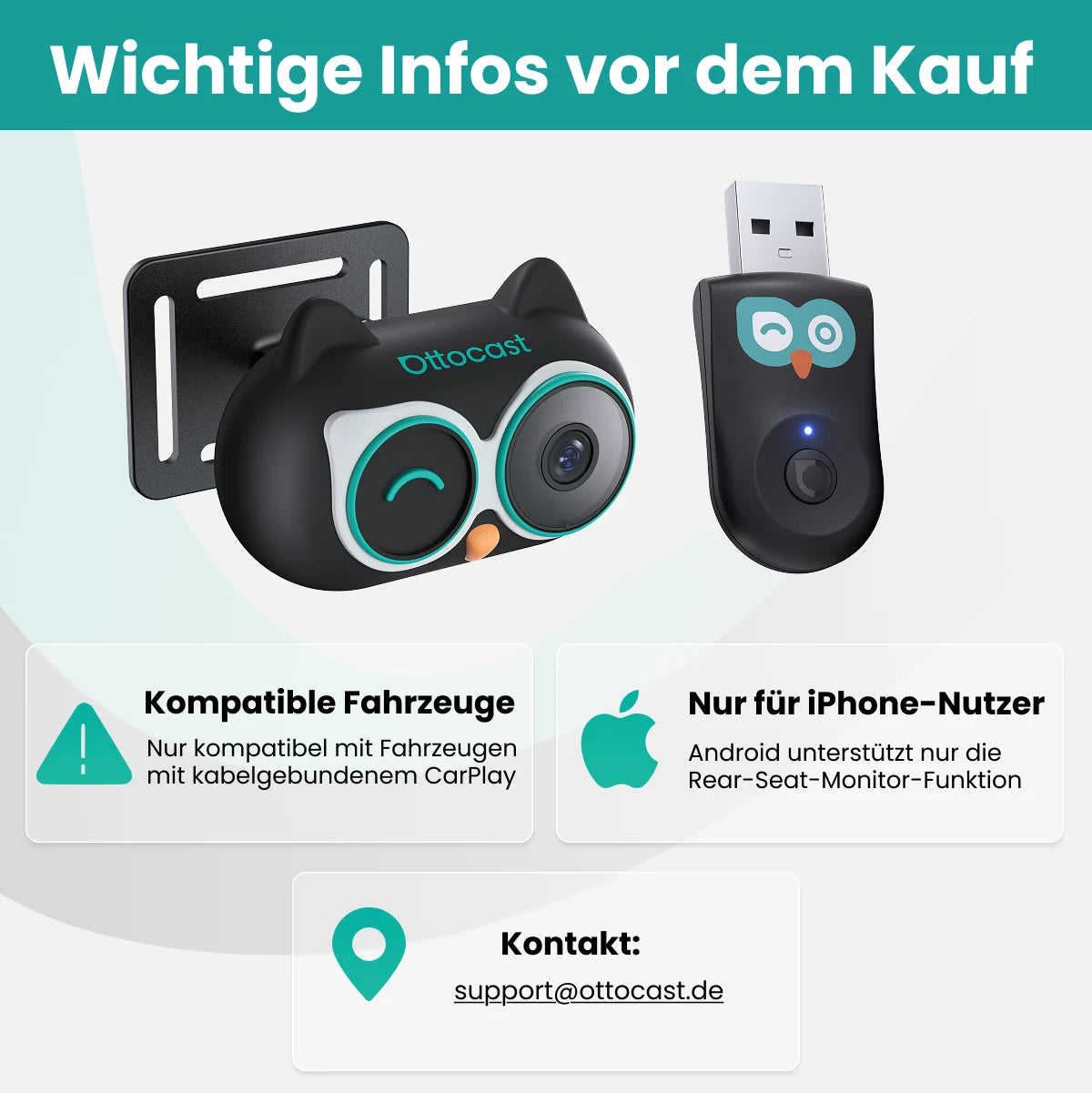
 Ottocast® Cabin Care Owl Monitoring Wireless CarPlay Adapter
 Ottocast® Mirror Touch Wireless CarPlay Adapter
 Ottocast® Car TV Mate Pro
 Ottocast® Car Tv Mate Max Universal - Wireless CarPlay & Android Auto with HDMI™ Multimedia
Your car, smarter than ever
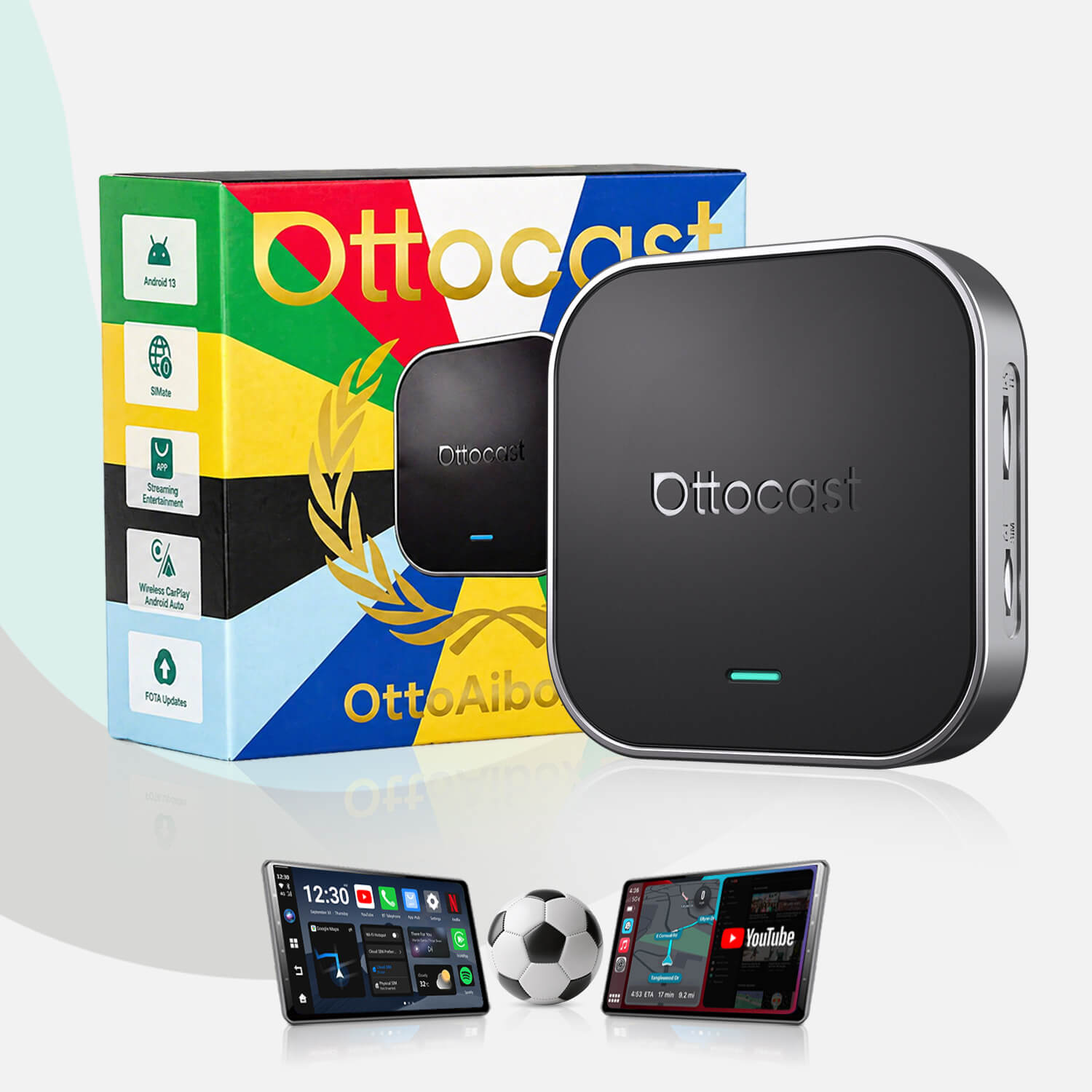
Extends mobile device connectivity with additional software – for more control over apps, functions, and the integrated infotainment system. Variable user interface with Apple CarPlay, Android Auto, and OttoDriveOS.
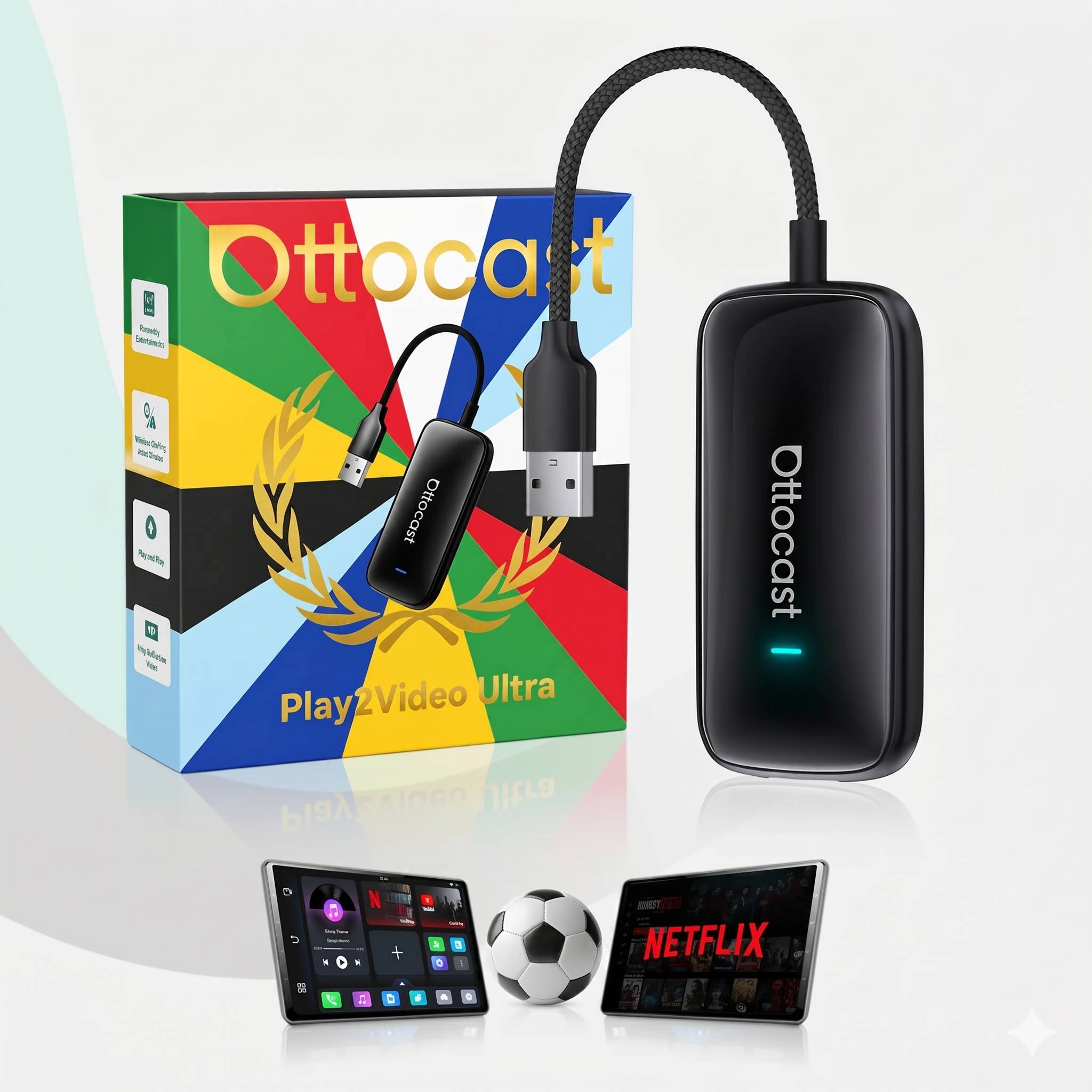
 Ottocast® Play2Video Ultra All-in-1 Adapter with App Hub
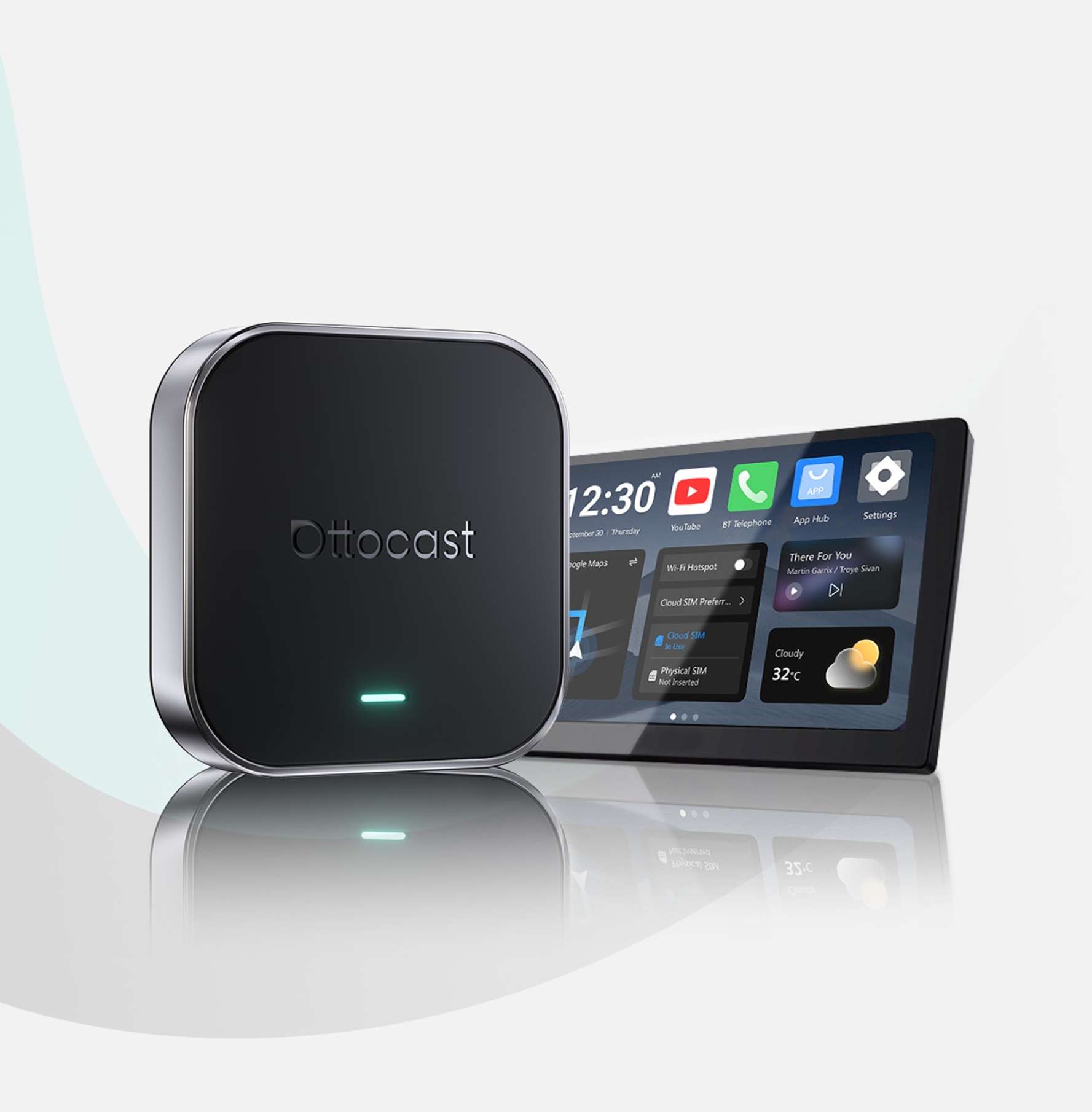
 OttoAibox® E2 CarPlay AI Box
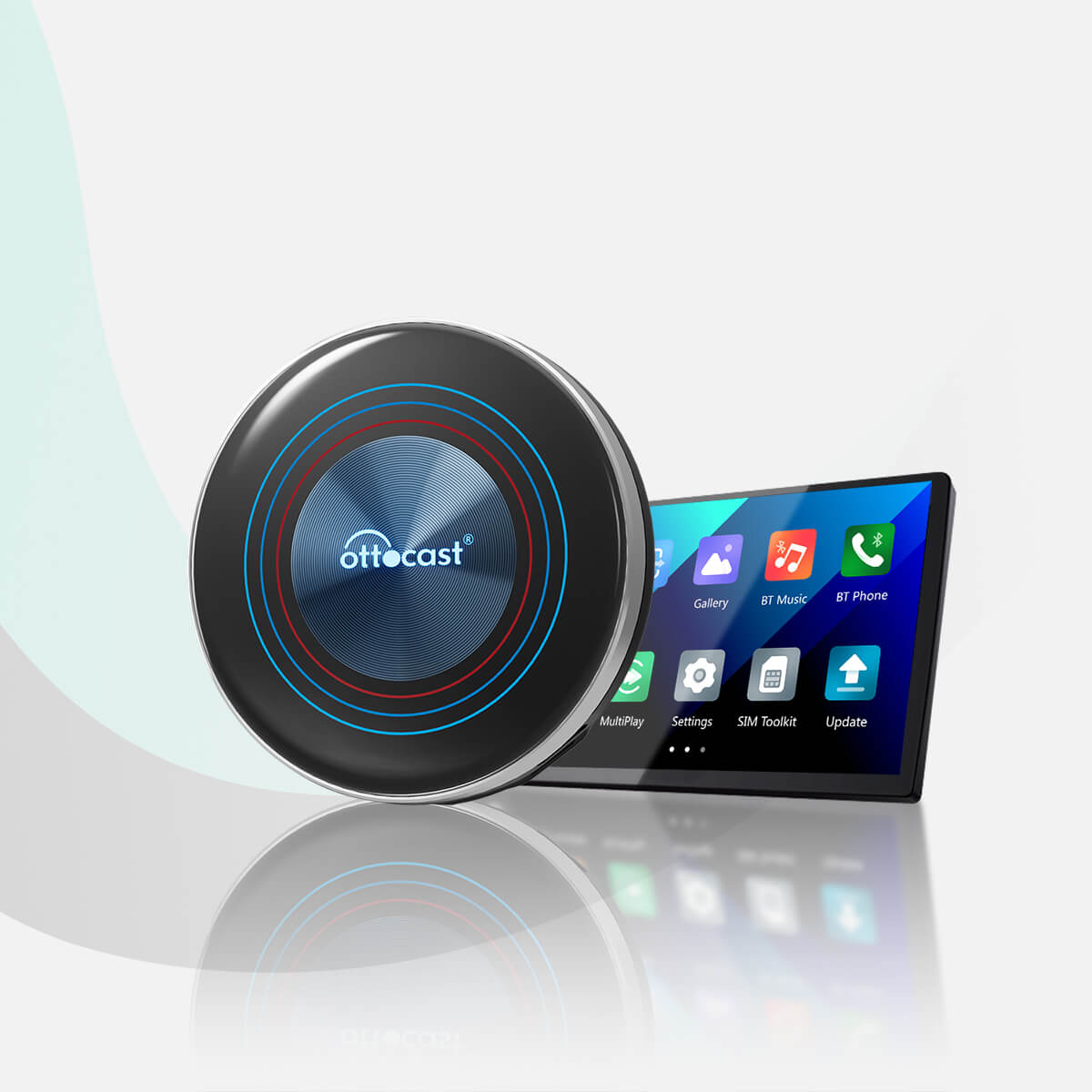
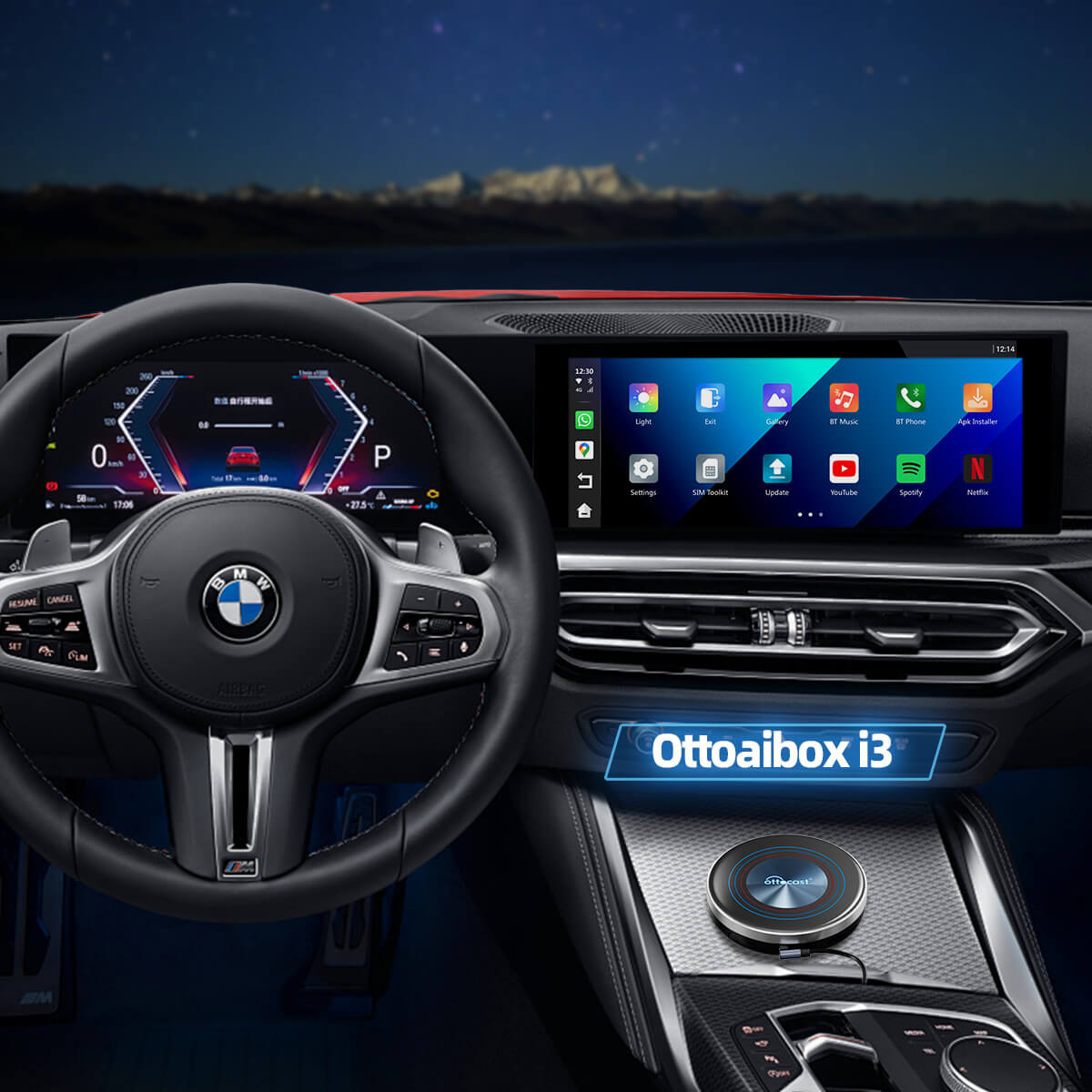
 Ottocast® i3 AI Box For BMW
 OttoAibox® P3 Pro CarPlay AI Box
A smarter dashboard for every vehicle
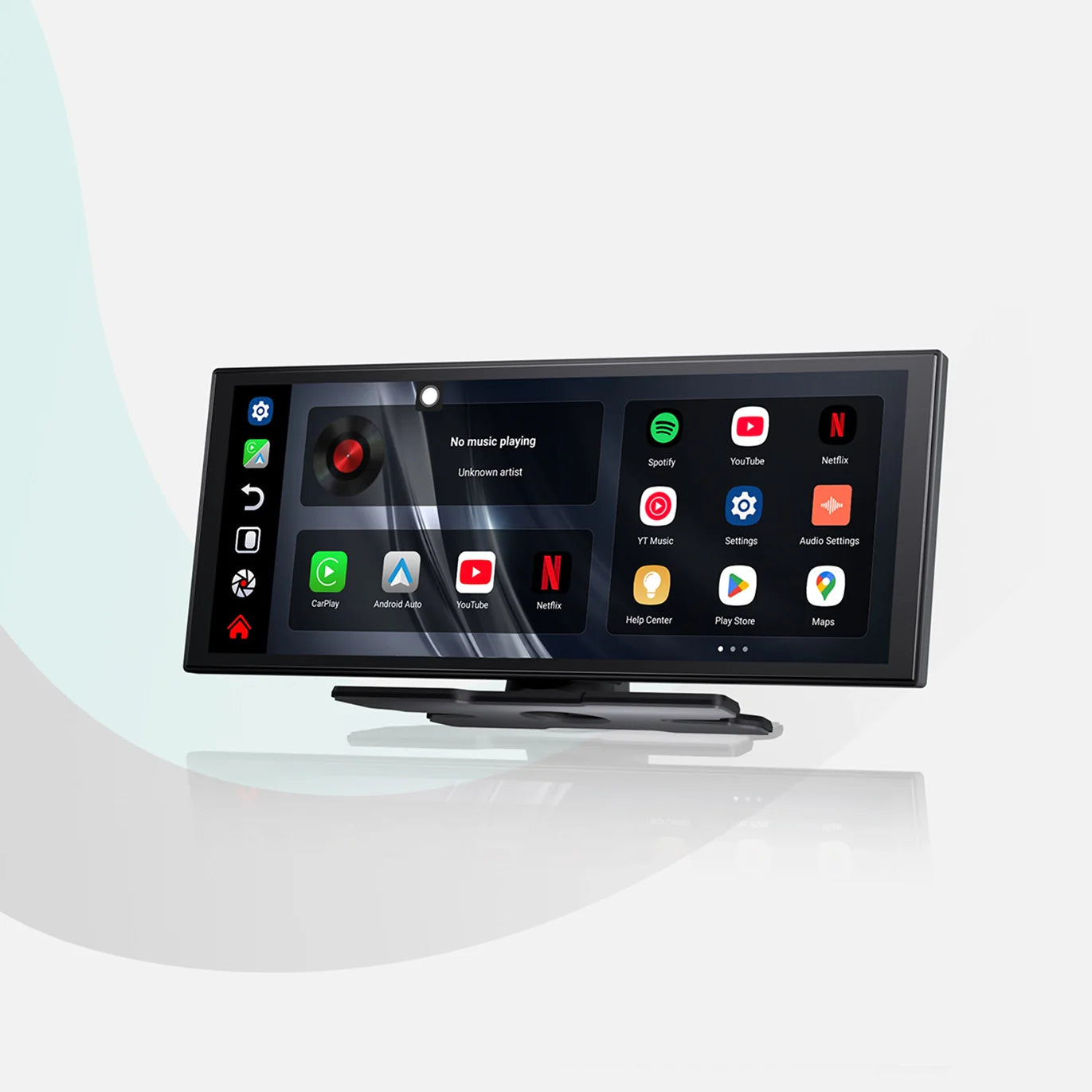
Plug-and-play screen for all cars: activates a CarPlay or Android Auto dashboard with wireless connection, integrated front and rear cameras and GPS tracking – suitable for cars and motorcycles.
 Ottoscreen® AI
 Ottocast® ScreenFlow Wireless CarPlay and Android Auto Display
Buy 1 product, get accessories 40% off
Combine with the main unit and save 40% on accessories, selected items only. Add the item to your cart now – the 40% discount code will be automatically applied.
 Portable Car Screen Long Arm Bracket
 Portable Car Screen Long Arm Bracket
 Wireless remote control
 Fast Car Charger


Sign up now and spin the Wheel of Fortune to unlock your prize.
 Soccer jersey
 Ottocast CarPlay Clip (Value: $129)
By signing up, you agree to receive marketing emails and can unsubscribe at any time.
Terms of Service * Privacy Policy
Check if the vehicle is compatible with wireless adapters.
Does your vehicle have wired CarPlay from the factory?
Say goodbye to cables. Browse further and find the right adapter.
Upgrade your dashboard with our universal Smart Screens.
Select the make, model, and year to quickly check compatibility.
*Compatibility may vary by trim. The actual vehicle configuration takes precedence.
The most accurate method to check compatibility.
Your vehicle supports wired Apple CarPlay and is fully compatible with our products.
iPhone is supported in this vehicle. Android compatibility may vary by product – please check the product page or contact our support.
Audi A4, 2018
Unfortunately, your model is not yet in our database. Please confirm one important point: Does your vehicle support wired Apple CarPlay?
Click the button below to watch the instruction video, or follow the written instructions below for the most accurate guide.
You can also use an AI tool like ChatGPT or Google Gemini to quickly check if your vehicle supports wired Apple CarPlay. If it does, our products are a perfect fit.
Your vehicle is compatible with our products – browse further to find the right model for your car.

Tax included, Free Shipping


Tax included, Free Shipping
Tax included, Free Shipping
Tax included, Free Shipping
Tax included, Free Shipping

Tax included, Free Shipping
Tax included, Free Shipping
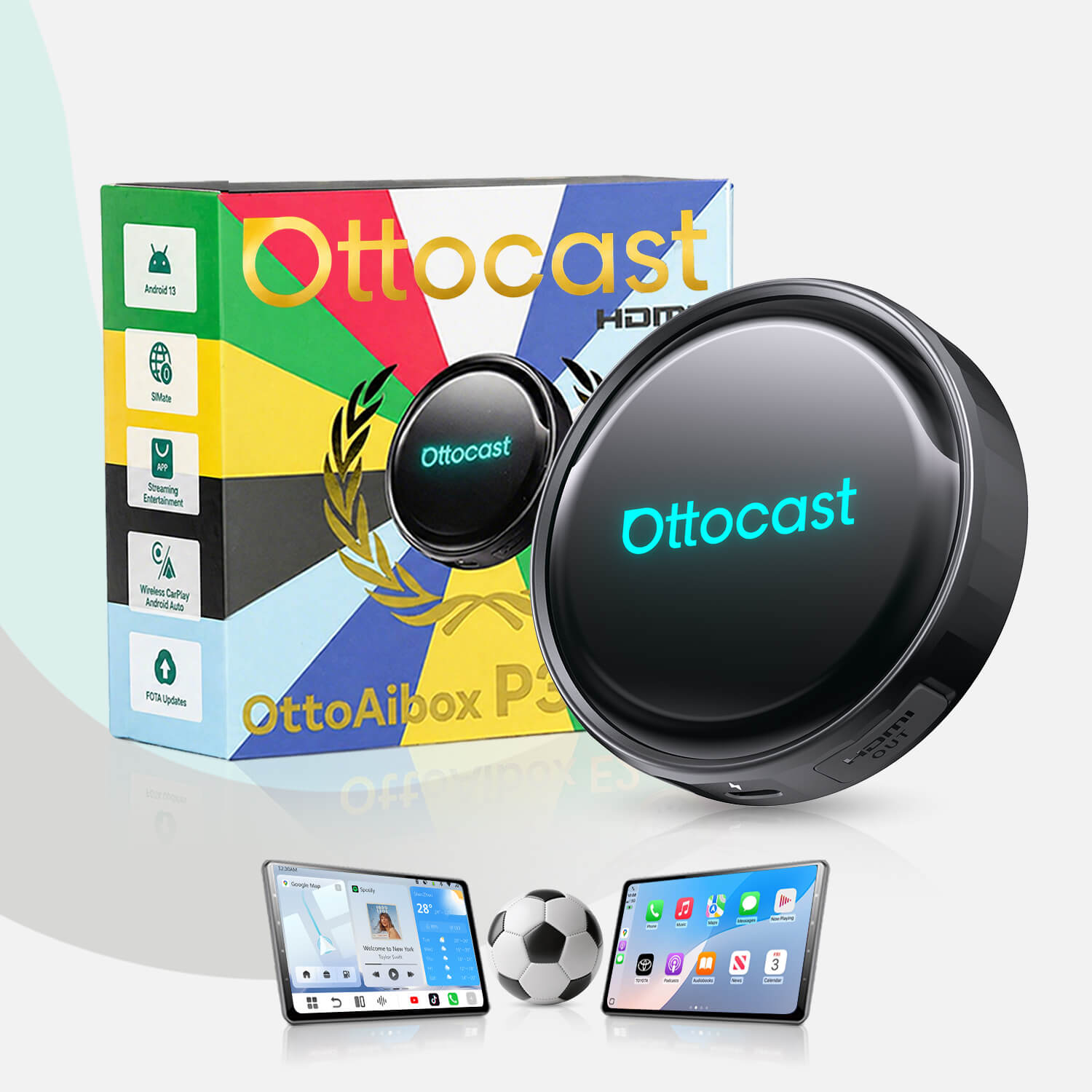
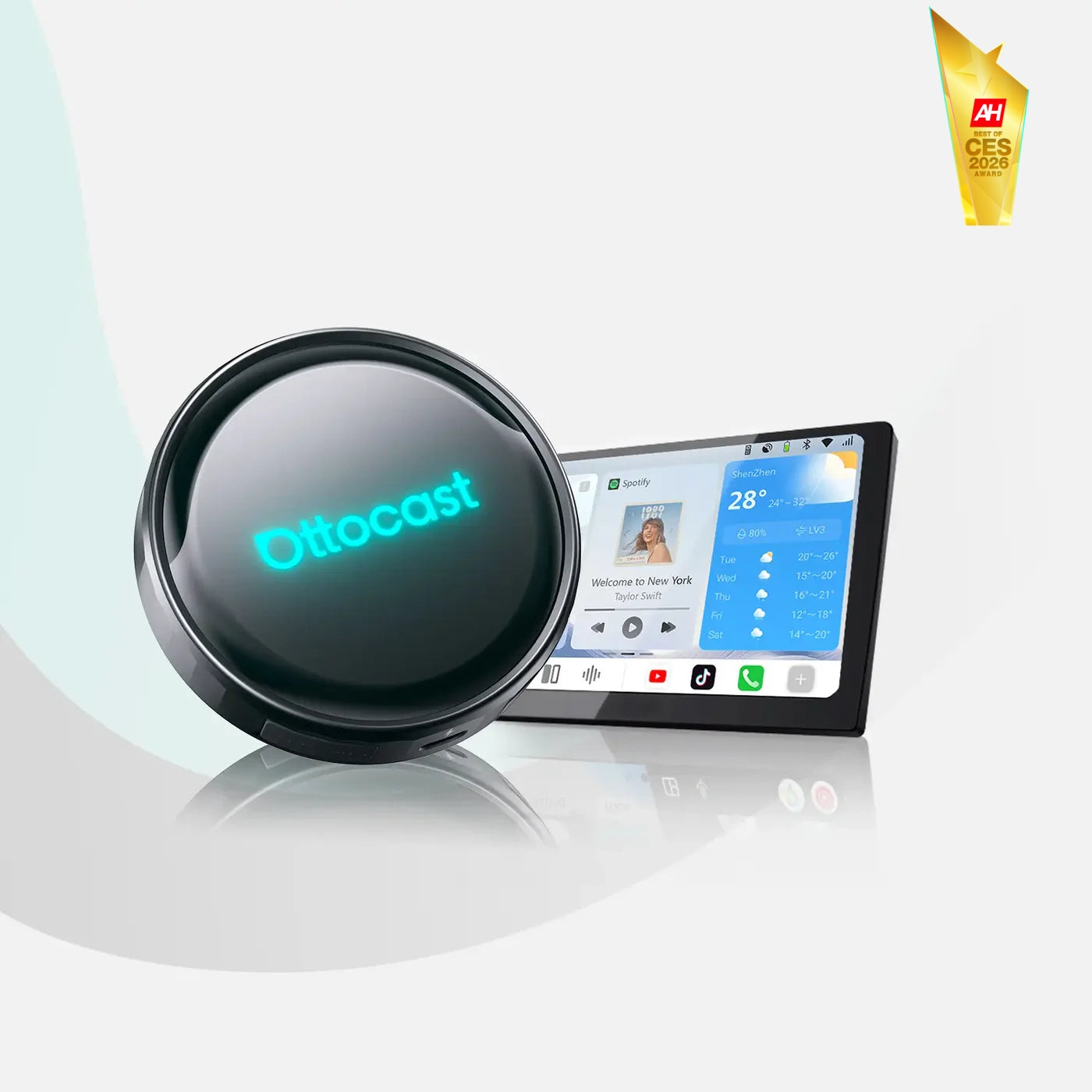
Tax included, Free Shipping
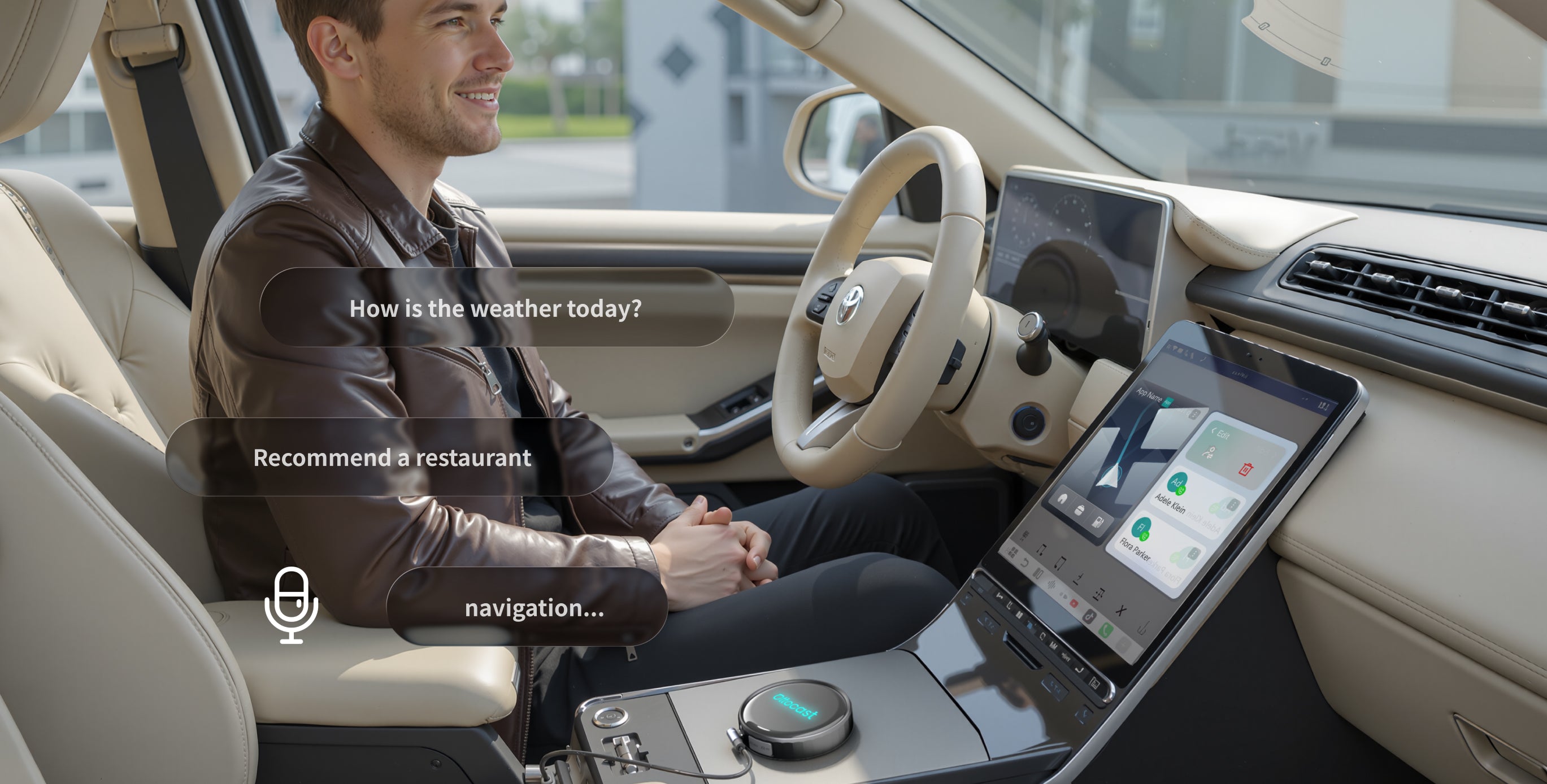
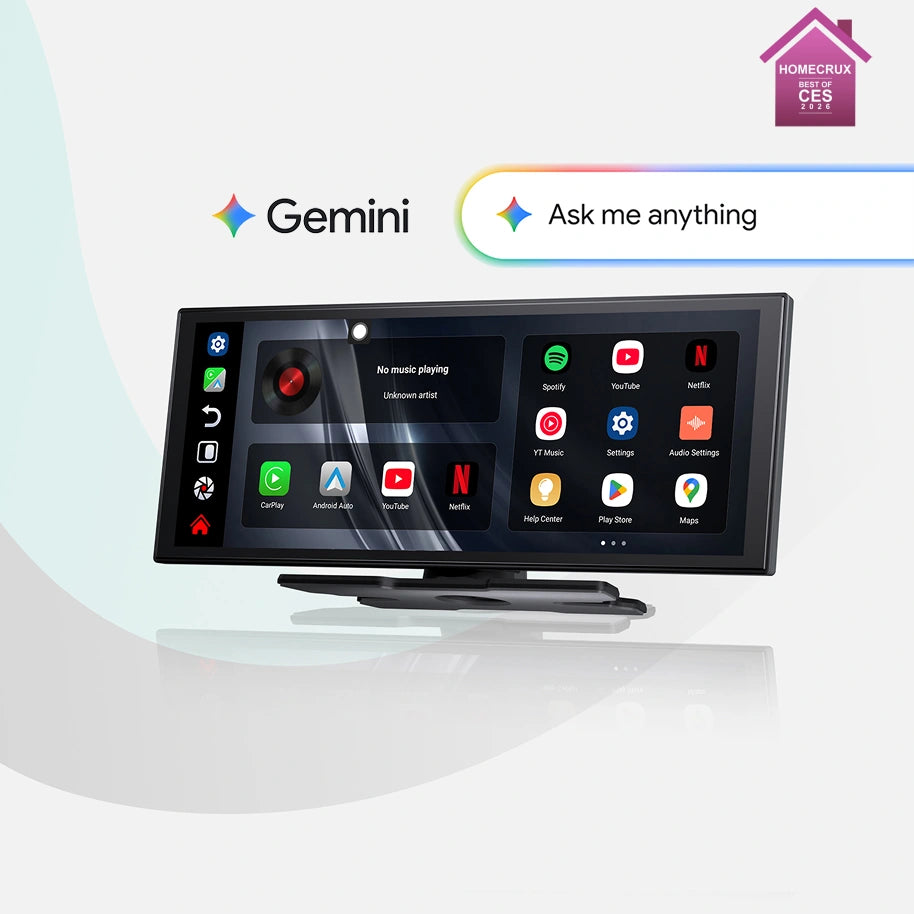
With integrated Gemini and ChatGPT support, the P3 Pro becomes your personal co-pilot: Ask for routes, traffic jams, music or information – the AI takes care of the rest and you stay relaxed at the wheel.
Discover P3 Pro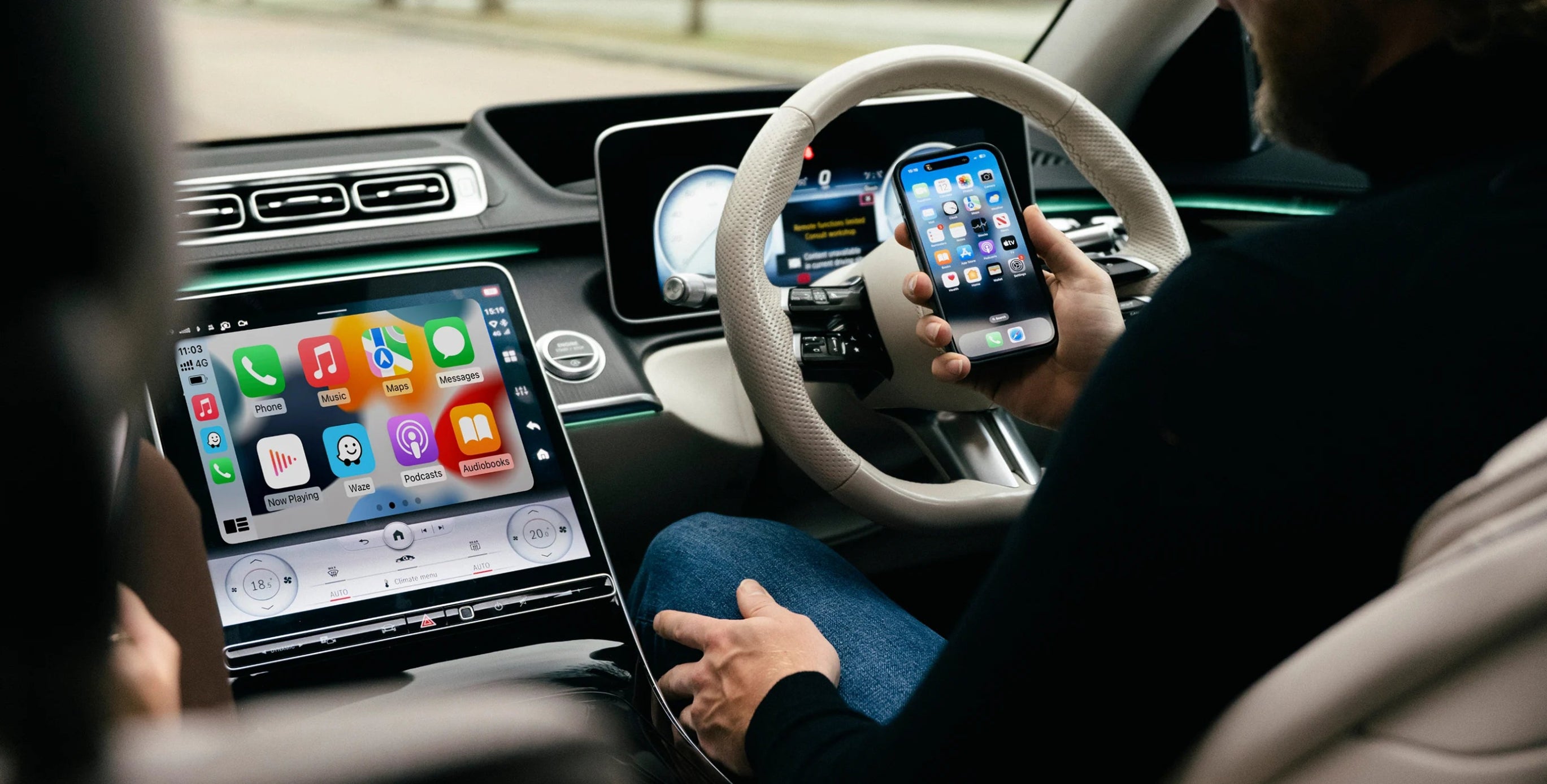
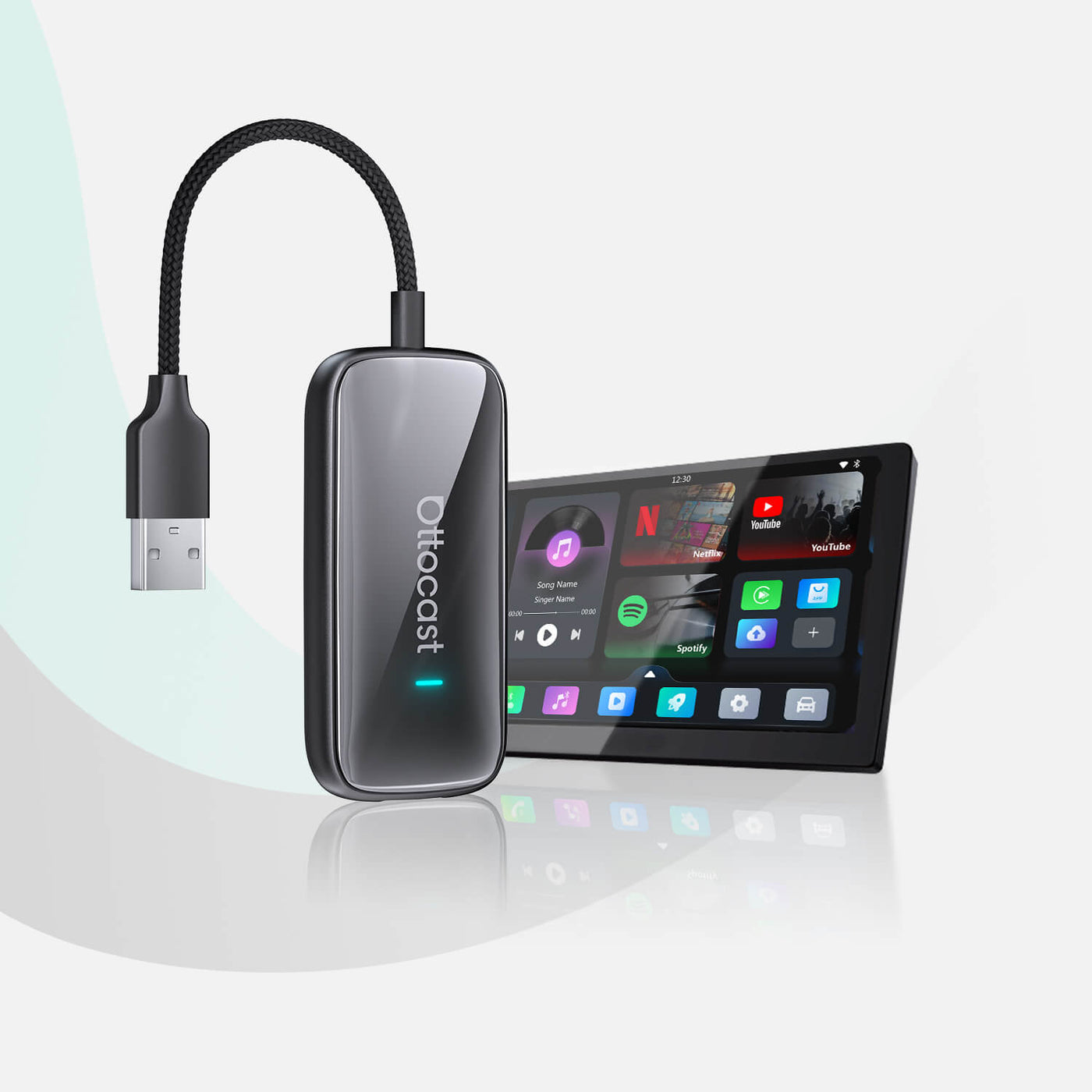
Say goodbye to cables and enjoy effortless driving with CarPlay and Android Auto.
Buy Mini Cube 3.0 now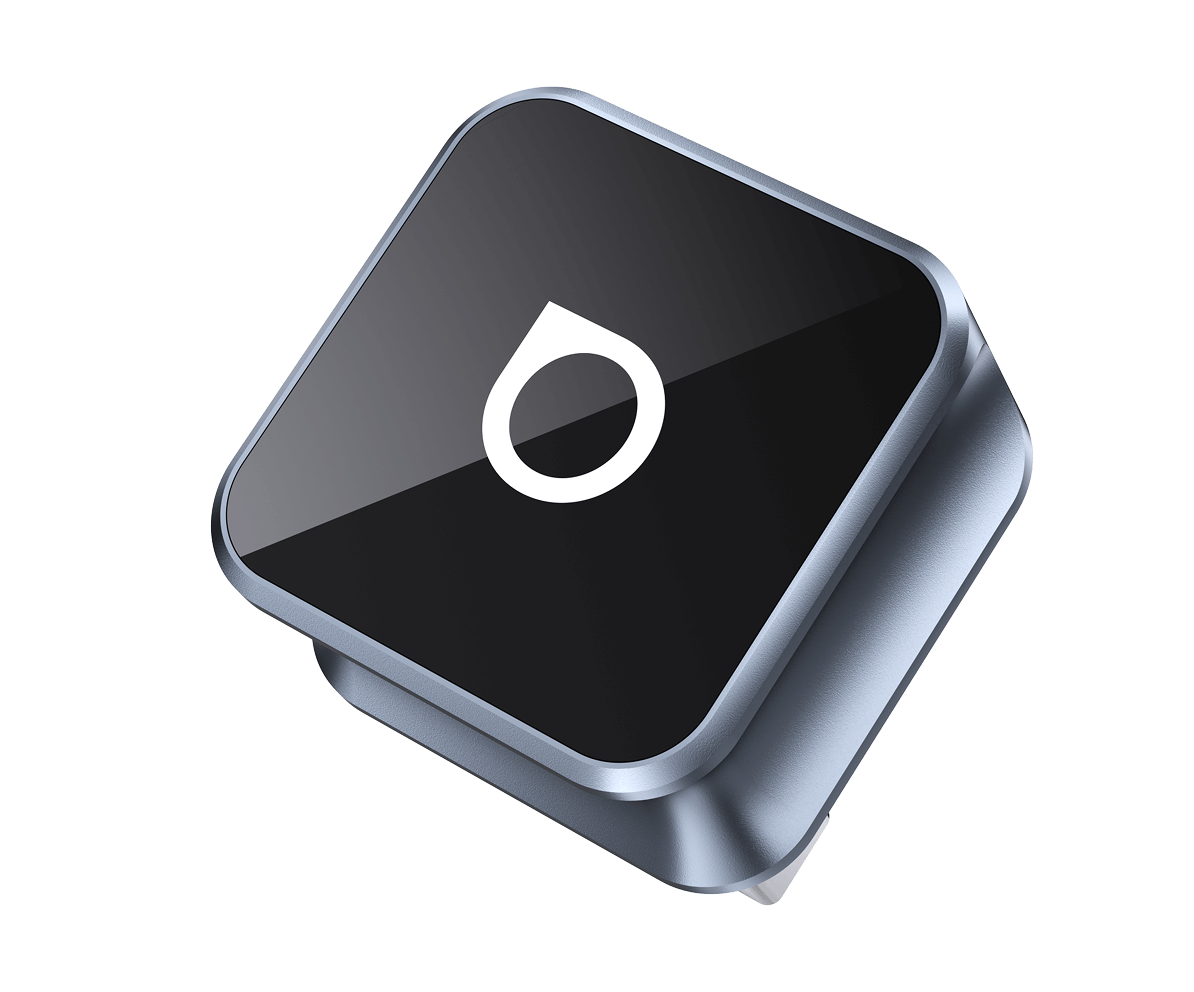


Simply plug it into the USB or Type-C port and instantly enjoy a wireless connection – with more stability and speed for an effortless, intelligent driving experience.
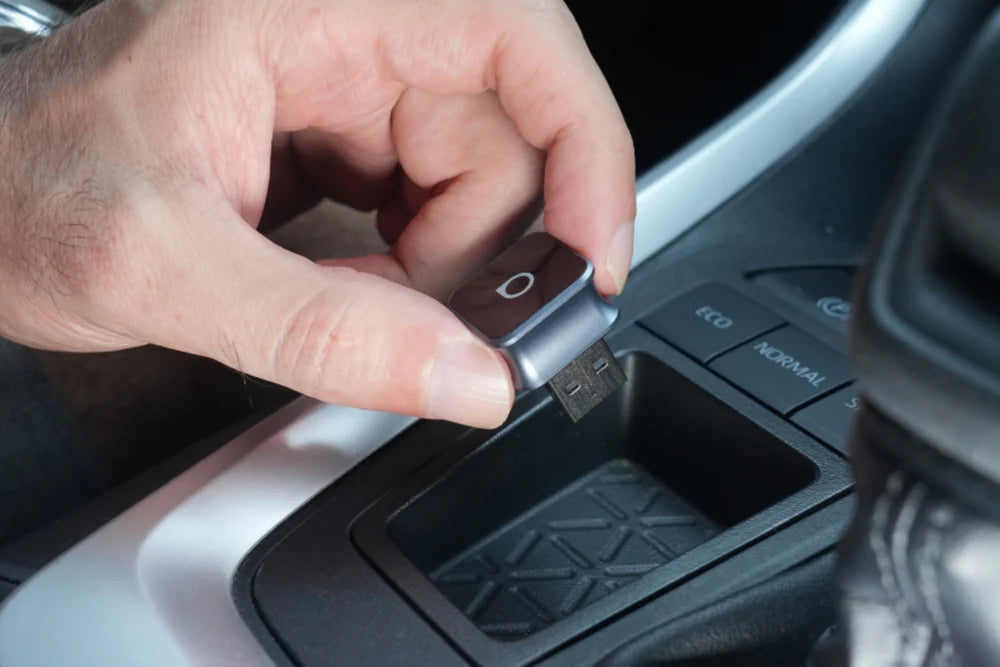
Step 1:
Connect the wireless adapter to your car.
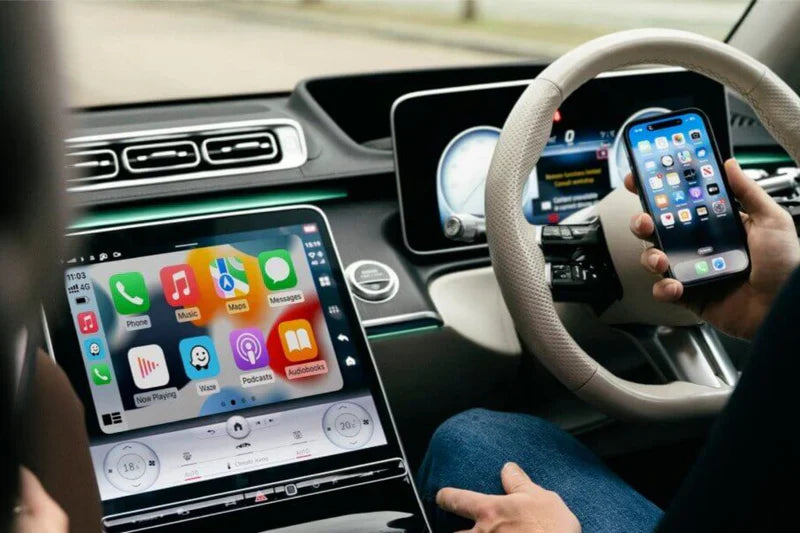
Step 2:
Activate the Wi-Fi and Bluetooth on your phone.
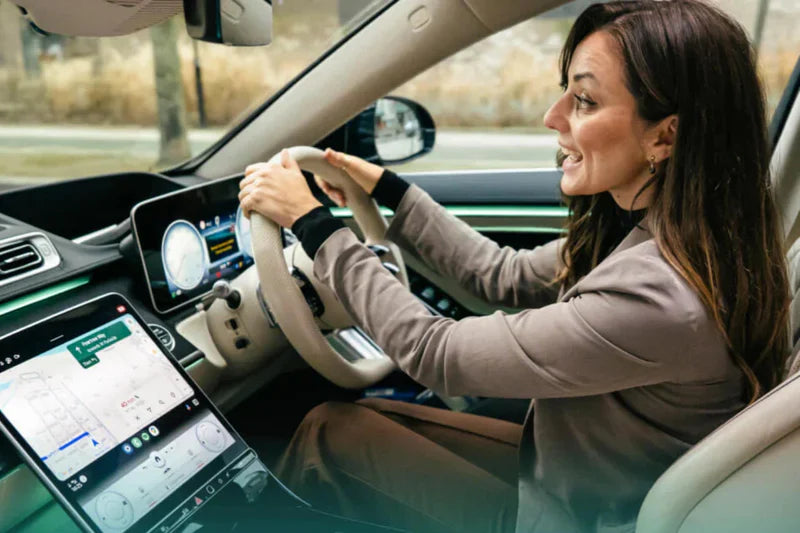
Step 3:
Pair the Bluetooth device named "AUTO2-xxxx" and confirm the authorization request on your mobile phone. The connection will then be established successfully.






Netflix in Your Car: The Ultimate Hardware Guide 2026 for Apple CarPlay
In modern vehicle operation in 2026, infotainment is more than just navigation. Your vehicle now functions as a mobile office, digital living room, and private retreat. However, while we currently ...

Ottocast CarPlay Upgrade Season: Practical Test and Recommendations from Addis Techblog
Modernizing vehicle infotainment: Focus on Ottocast solutions In the world of automotive technology, independent tests are the most important guide for users. Recently, the renowned German port...

Not every vehicle is suitable for wireless CarPlay – the right solution counts.
Wireless CarPlay and Android Auto offer many drivers the convenience of automatically connecting their phone in the vehicle without having to plug in a cable each time. However, in practice: Not e...
Are you unsure? Compare our most popular models – and choose the solution that truly suits your everyday life.

Yes
Yes
No
Yes
Yes
Yes
Yes
Yes
No
Yes
Yes
No
Yes
No
No
Yes
No
No
Check out the most frequently asked questions from our customers. Still have questions?
Contact customer service.

If your vehicle was factory-equipped with a wired CarPlay system, this product is compatible. This applies to vehicles with both wired and wireless CarPlay connections. However, please note that this product is not compatible with vehicles that only have a wireless CarPlay connection.
You can check this for the iPhone iOS system here: Apple CarPlay List
For the Android system: Android Auto List
We have a video that shows you how to check if CarPlay is available. Please click here: Click here to check.
We offer several products that may be suitable for you depending on your specific requirements.
1. For streaming video apps like YouTube and Netflix, our AI-BOX supports video playback and gaming in the car. You can choose a model from the "Multimedia Box for Cars" collection to meet your needs: Multimedia Box for Cars
2. If your family uses both Android phones and iPhones, our CarPlay/Android Auto 2-in-1 adapter might be of interest to you. It can convert wired Android Auto or CarPlay to a wireless connection: 2-in-1 Wireless Adapter for CarPlay & Android Auto
3. If you are solely interested in CarPlay functionality, you should consider our U2 Air product. It can convert wired CarPlay to wireless CarPlay: Ottocast® U2AIR Pro
4. If you are solely interested in Android Auto functionality, you should consider our Android Auto Wireless product. It can convert wired Android Auto to wireless Android Auto: Ottocast® A2AIR Pro
Please note that products with the same function can have different prices due to variations in chips and materials. If cost is your primary concern, you should choose the most affordable option. Conversely, if performance and design are your priorities, a higher-priced option is recommended.
No, it's not necessary to re-pair the adapter each time. Once it's properly set up, your phone will automatically connect to the adapter as soon as your vehicle is started.
The adapter is equipped with both Wi-Fi and Bluetooth hardware. It first establishes a Bluetooth connection to your phone and transmits the Wi-Fi access data. The adapter then disconnects the Bluetooth connection and operates exclusively via Wi-Fi.
Yes, this product is compatible with all iPhone models from the iPhone 6 (with iOS 10) to the iPhone 15 Pro Max.
Yes, it is possible to connect multiple phones to the adapter. The adapter automatically connects to the last paired phone if it is present in the vehicle. If the last paired phone is not available, you can manually connect to a different phone.
1. Activate Bluetooth and WiFi on your phone.
2. Make sure your phone is not connected to other WiFi or Bluetooth networks, and remove all hands-free connections from your phone and vehicle settings.
3. Plug the adapter into the CarPlay USB port.
4. Wait until the user interface appears on the vehicle screen.
5. On your phone, open the list of Bluetooth devices and select the device whose name begins with "AUTO-xx".
6. When prompted, select "Pair" on your phone.
7. Once the connection is established, select “Use CarPlay” when the corresponding notification appears.
Of course. We have a 30-day return policy. This means you have 30 days from the date you receive your item to request a return.
Do you need further assistance – e.g., regarding returns and exchanges, logistical issues, product problems, system updates, malfunctions, or outages? Then contact us at: support@ottocast.de
WhatsApp: (+86) 18928429975
Telephone: +49 69 310 902 06
Mon–Fri: 8:00–17:00 (PT)