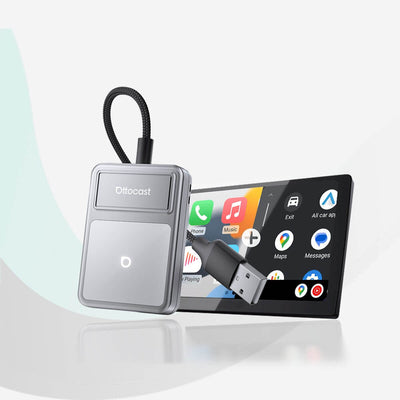




Ottocast® Mirror Touch Wireless CarPlay Adapter
Tax included, Free Shipping
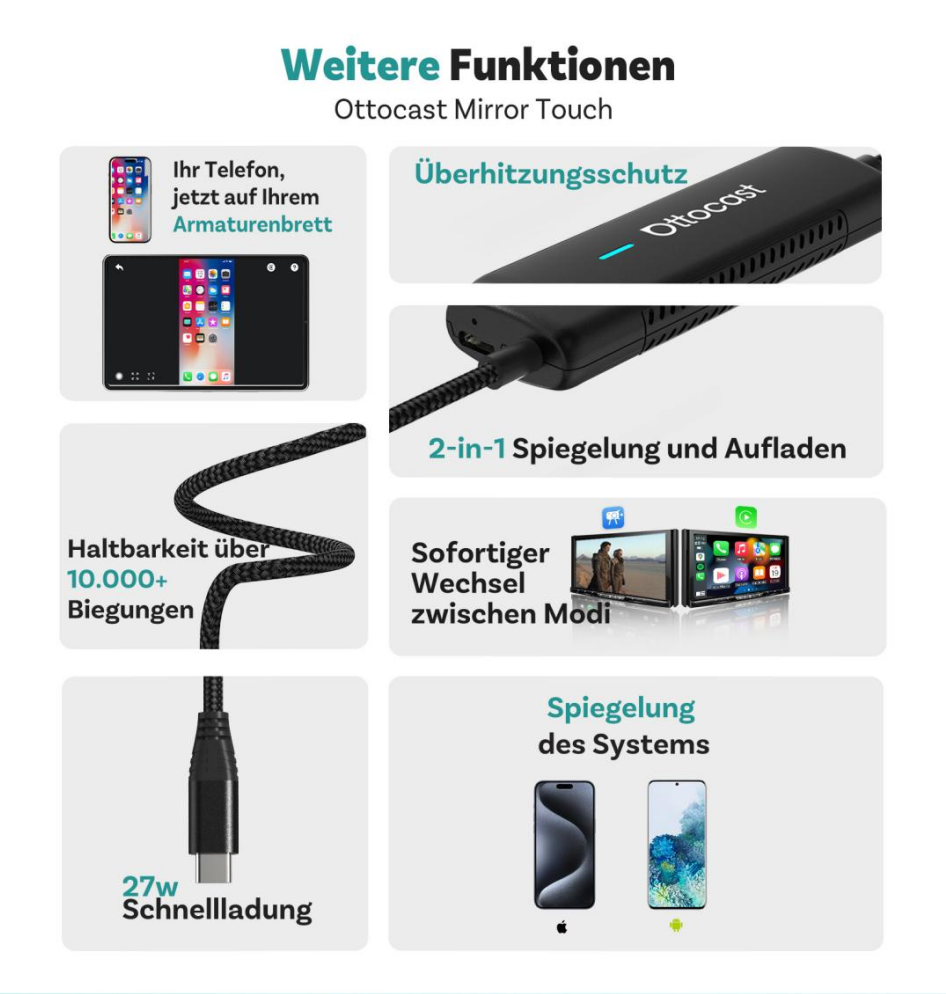
✅ Bidirectional control
✅ Full-screen transmission
✅ Wireless CarPlay with automatic connection
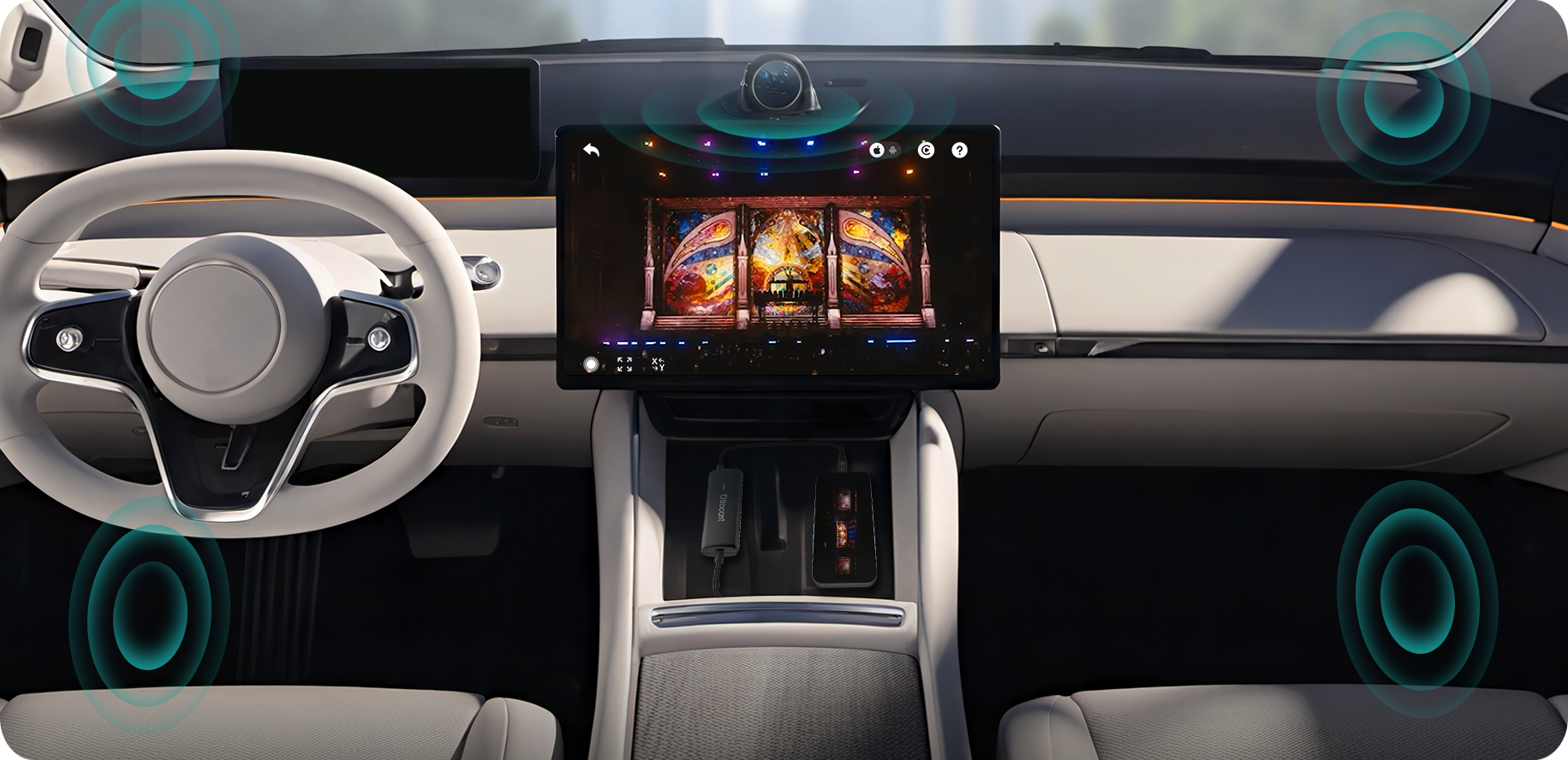
✅ Integrated audio output
Frequently bought together
Erfordert USB-C DisplayPort Smartphone + Kabel-CarPlay ab Werk
- Fahrzeug: Ihr Fahrzeug muss über werkseitiges Kabel-CarPlay verfügen.
-
Smartphone: Android-Smartphones mit DP (DisplayPort) Screen-Mirroring-Unterstützung
iPhone 15-Serie und neuer via USB-C DisplayPort-Ausgang
Fahrzeuge mit kabellosem CarPlay ab Werk (z.B. einige BMW-Modelle): Empfohlenes Modell: OttoAibox i3
-
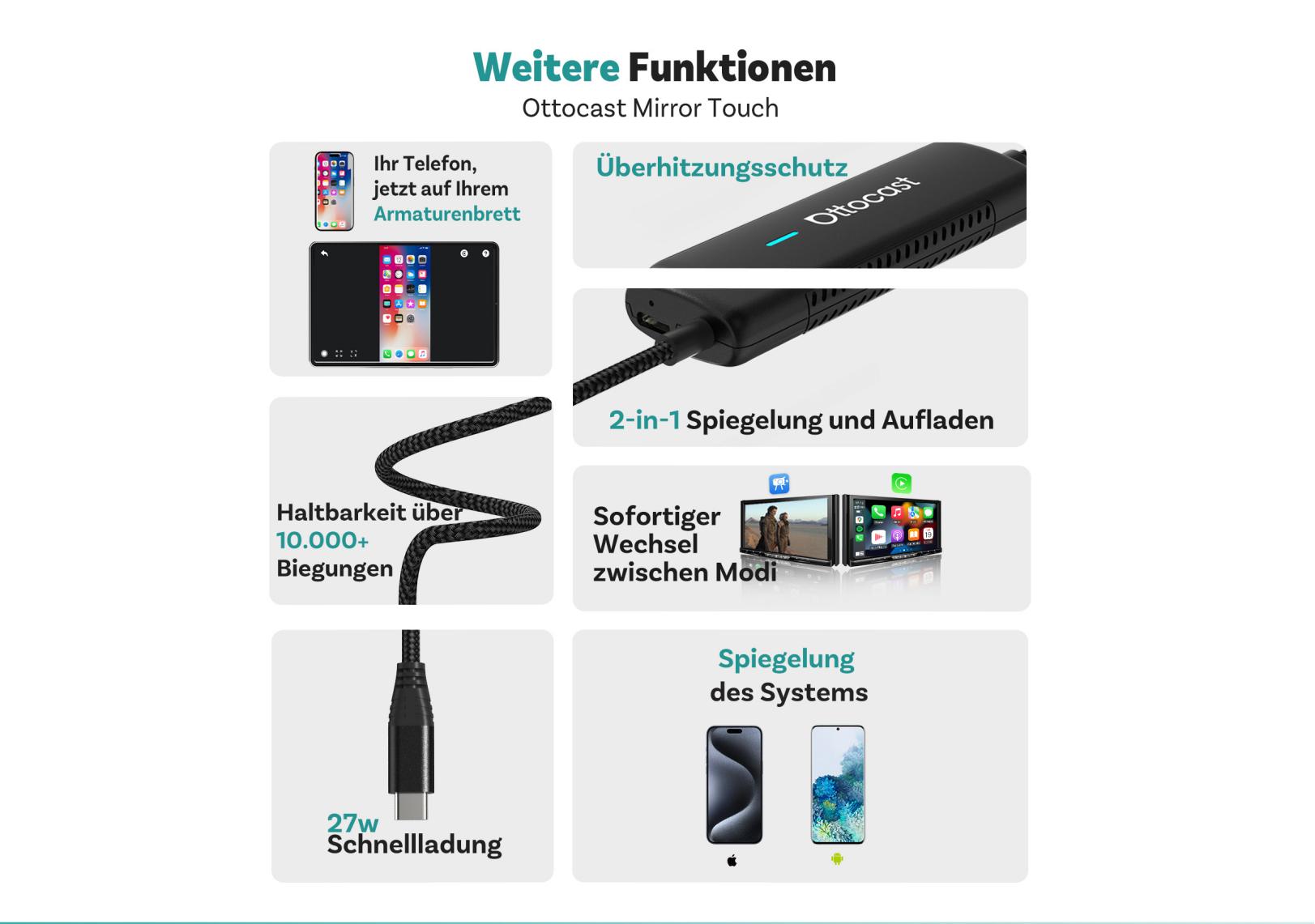
Bidirectional control
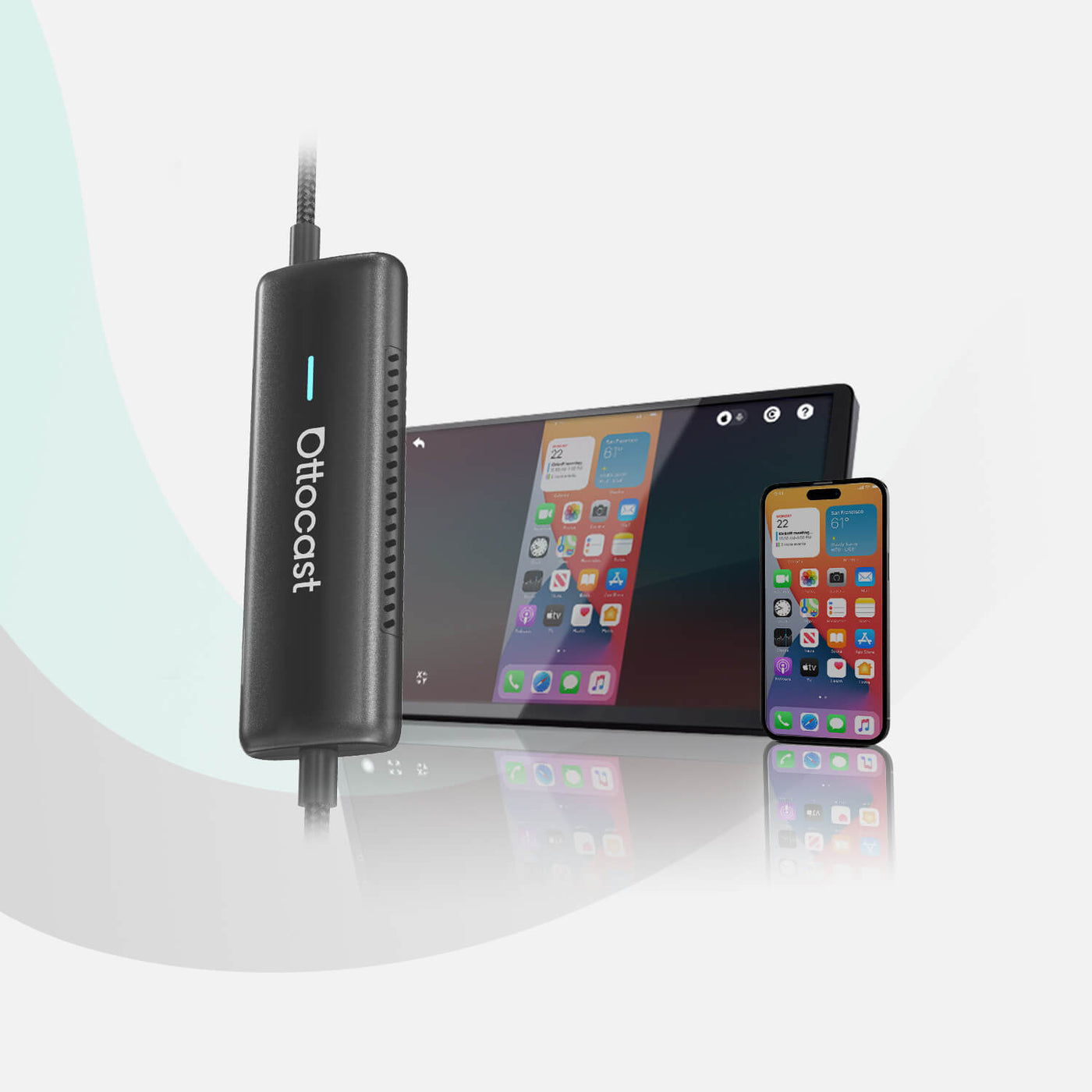
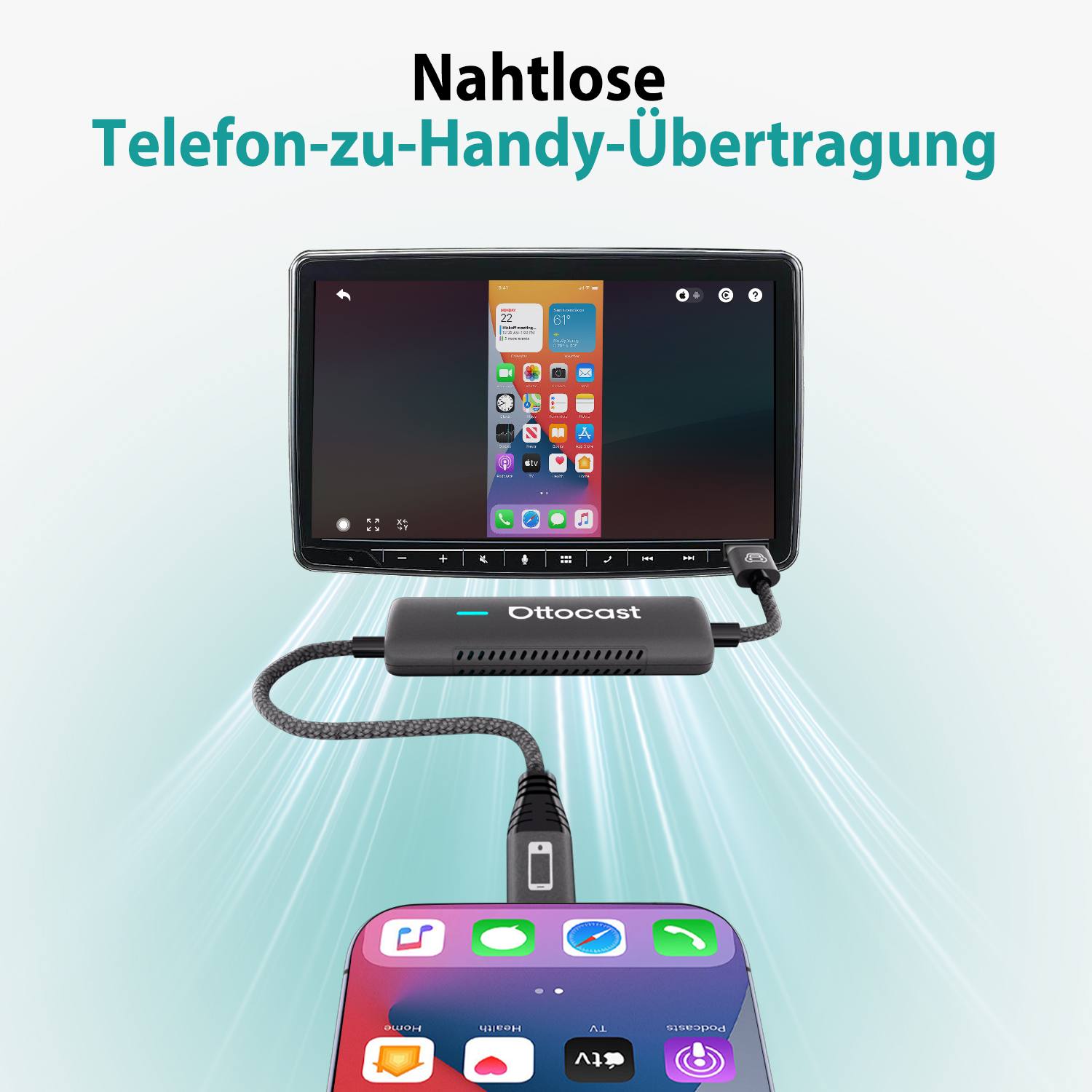
Control your smartphone directly from your car's dashboard – in real time, just like on your phone.
- Full screen mirroring to the vehicle display
Mirror your smartphone's entire screen to your vehicle's integrated display for a seamless and immersive experience.
- Wireless connection with Wireless CarPlay
Enjoy true freedom with a completely wireless connection – experience Wireless CarPlay without cable clutter and keep your dashboard tidy.
Solution found for your vehicle!
Vehicle selected
Audi A4, 2018
We have confirmed that your vehicle does not have factory-installed CarPlay. No worries! The Ottoscreen AI shown below is the complete solution that easily equips your car with smart features and full-screen CarPlay.

Ottoscreen® AI
Perfect match!
Vehicle selected
Audi A4, 2018
Your vehicle has wired CarPlay and is therefore compatible with our products. Browse further to discover more.
Confirmation required
Vehicle selected
Audi A4, 2018
We're sorry, your model is not in our database. Please confirm one important detail: Does your vehicle have wired Apple CarPlay?
Watch the instructional video below or use an AI tool (e.g., Gemini or ChatGPT) to quickly check and confirm your vehicle's features. If your vehicle has wired CarPlay, our products are the ideal choice!
Wireless CarPlay detected
Vehicle selected
Audi A4, 2018
Since your vehicle already has wireless CarPlay, we recommend the exclusive BMW Ottoaibox i3 , which allows you to watch videos in your car.

Ottocast® i3 AI Box For BMW
Perfect match!
Vehicle selected
Audi A4, 2018
Your vehicle is compatible – browse further to discover even more products you'll love.
Wired Android Auto detected
Vehicle selected
Audi A4, 2018
We've detected that your vehicle only supports wired Android Auto and not wired CarPlay. Therefore, this product is not compatible with your vehicle. Don't worry! The A2Air Pro adapter shown below is the ideal solution for you.

Ottocast® Mini Cube 3.0 Ultra Wireless CarPlay and Android Auto Adapter
Versand
Rückgabe
Garantie

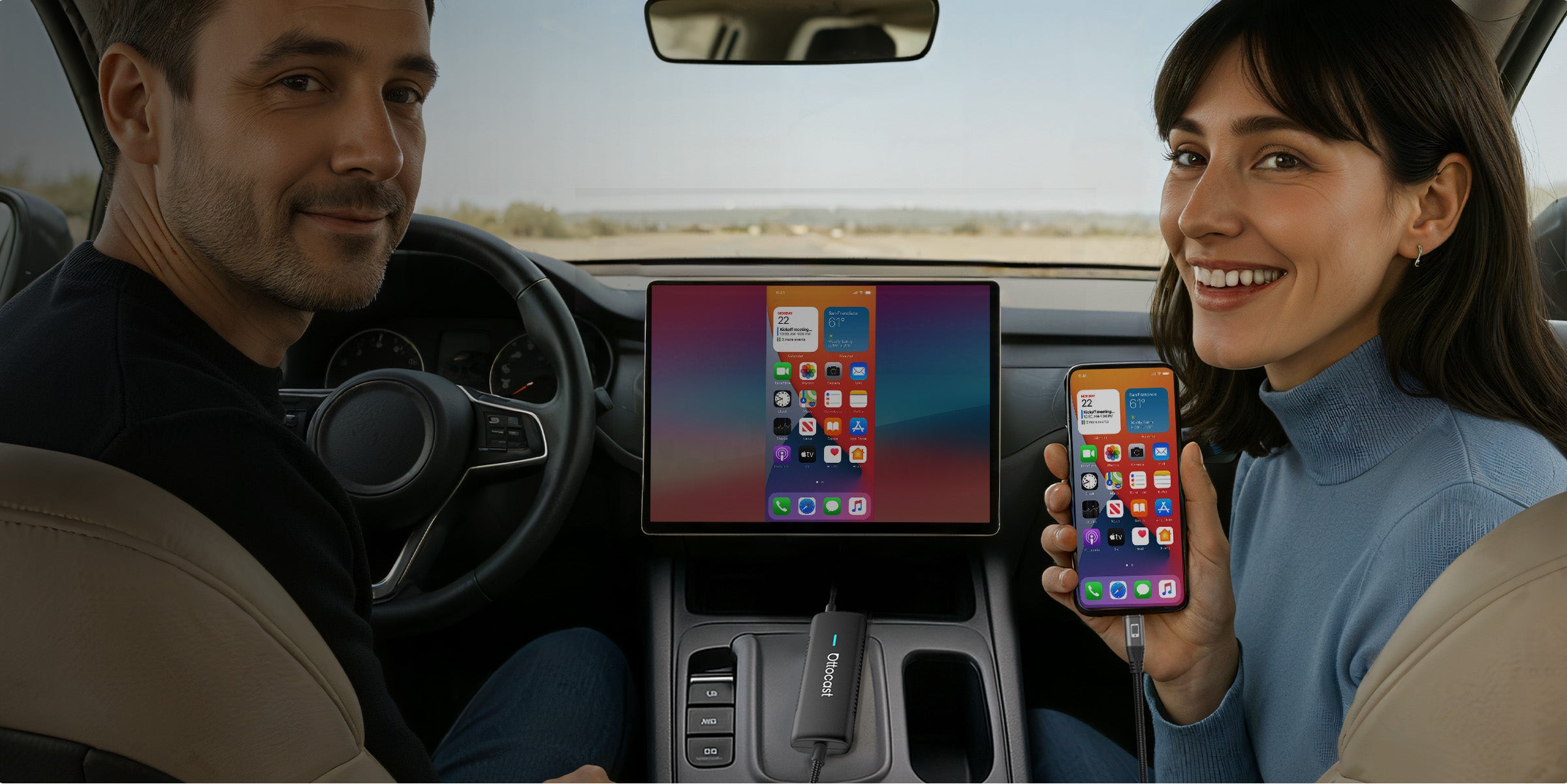
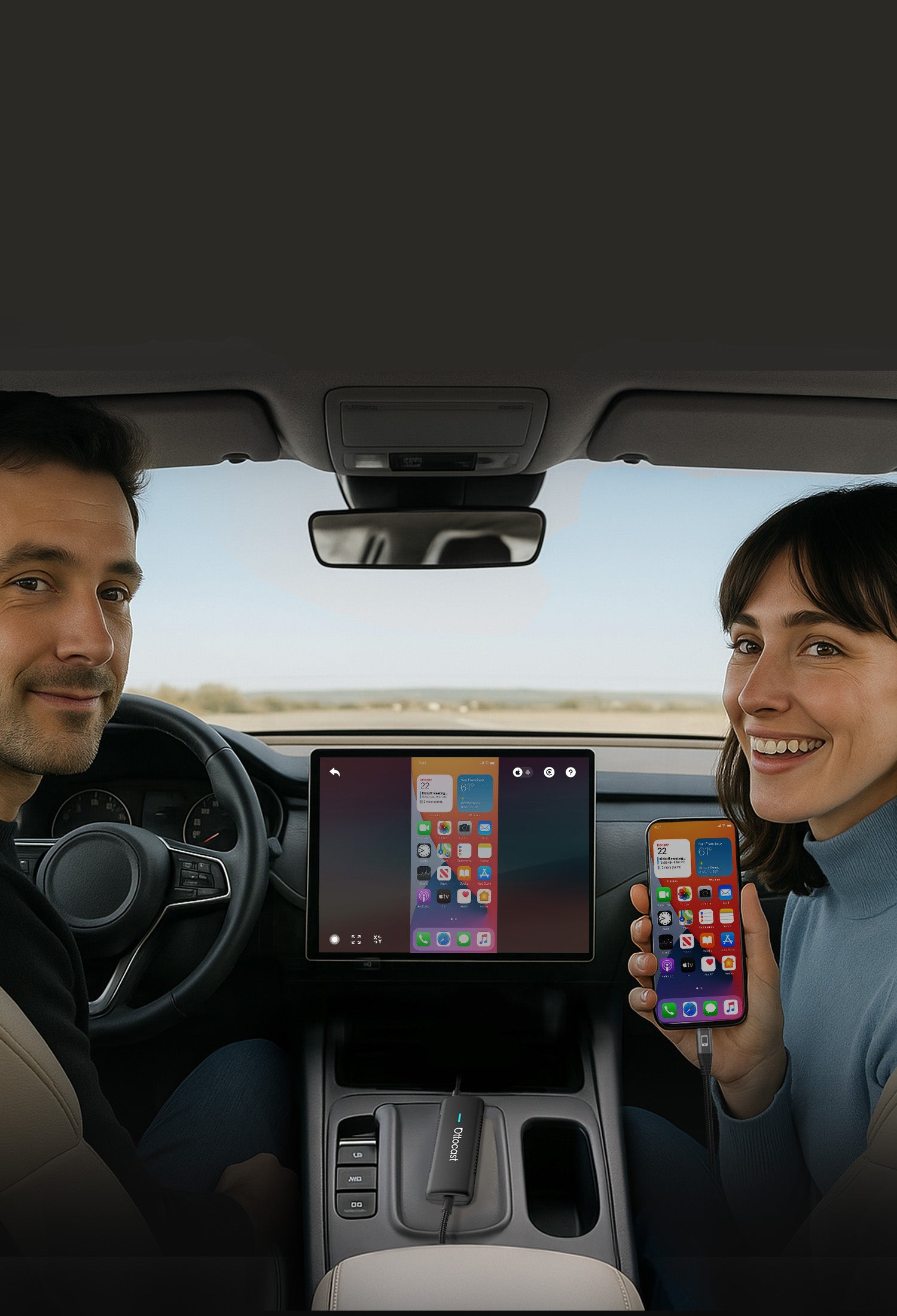


Seamless phone-to-car experience


All sounds directly through your car's integrated audio system.
Making every journey smarter and safer
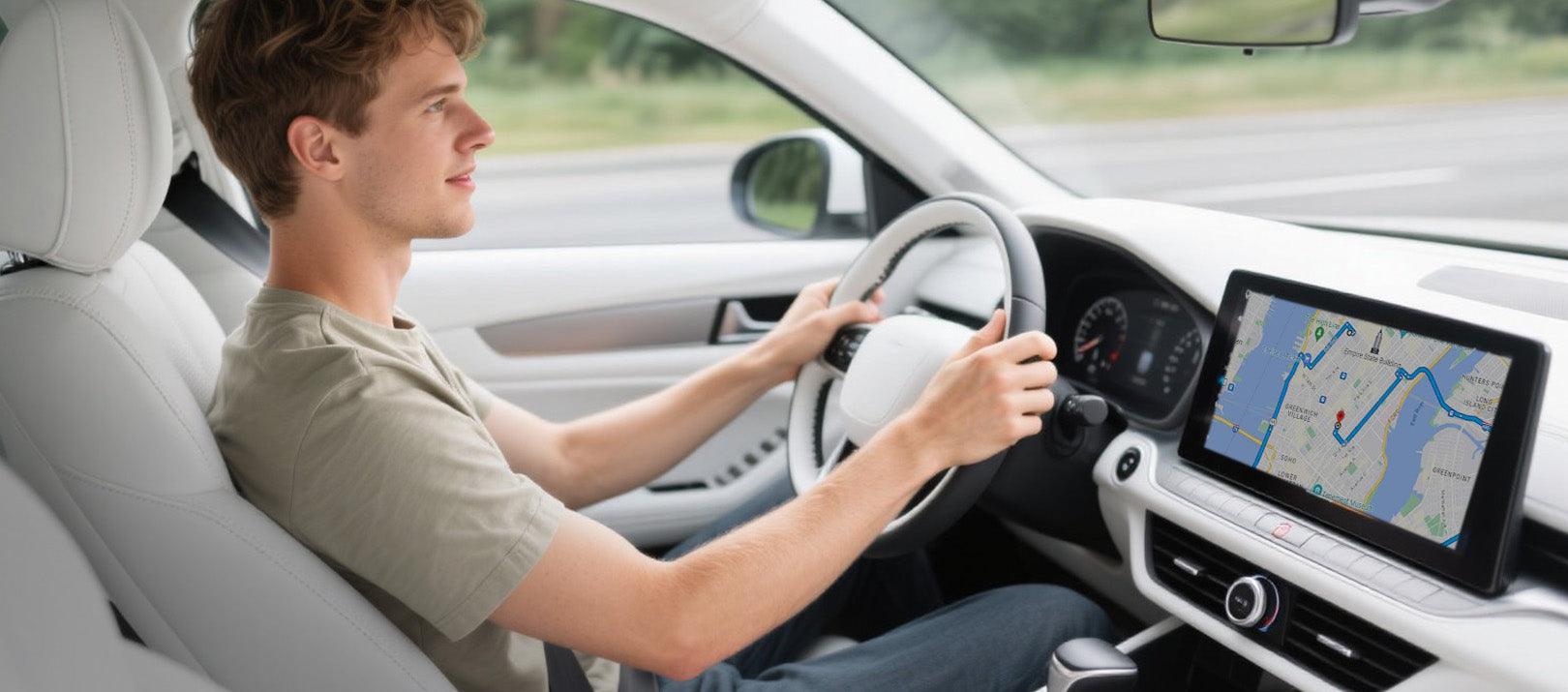

Using the dashboard instead of your smartphone can reduce driving errors by approximately 80–85%.
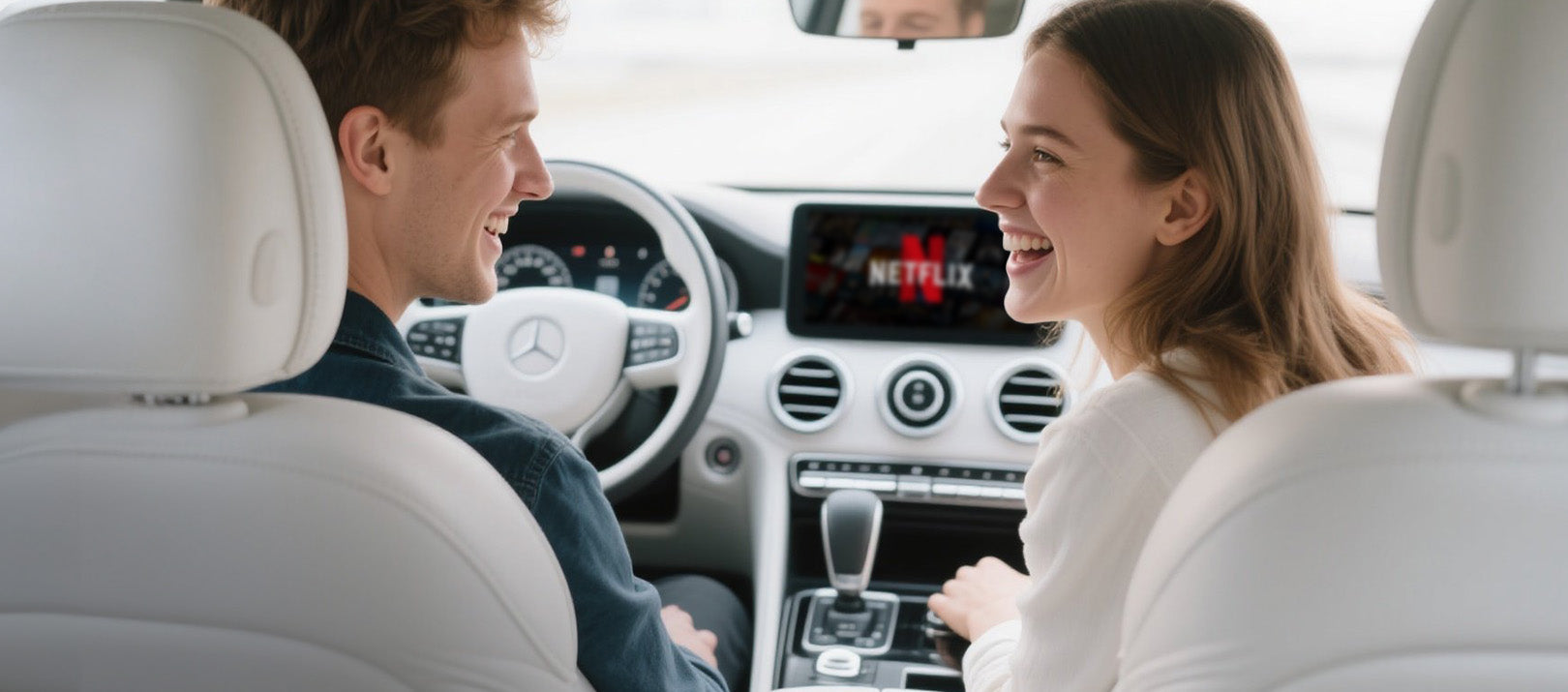

Mirror Touch ensures a seamless connection on every journey.
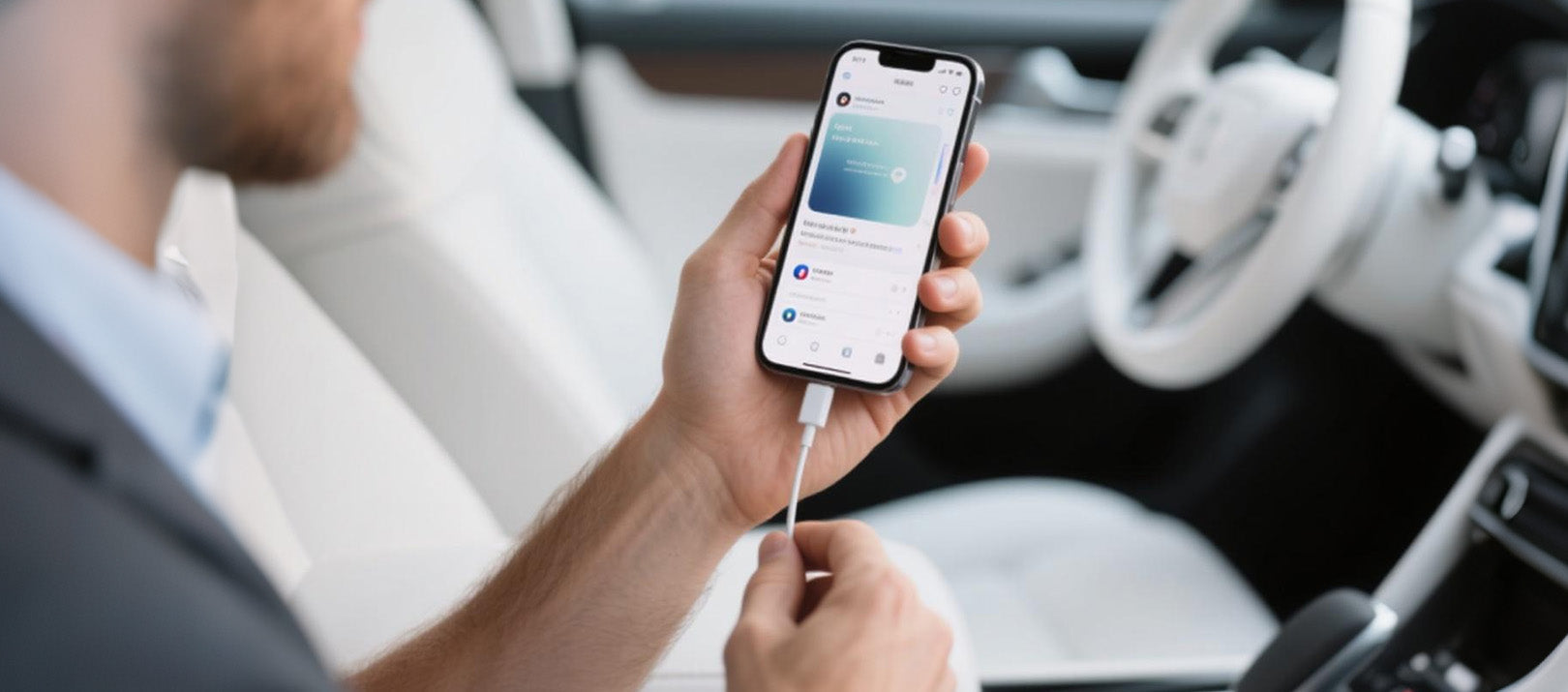

As soon as you get in, the vehicle display will show the content of your smartphone.
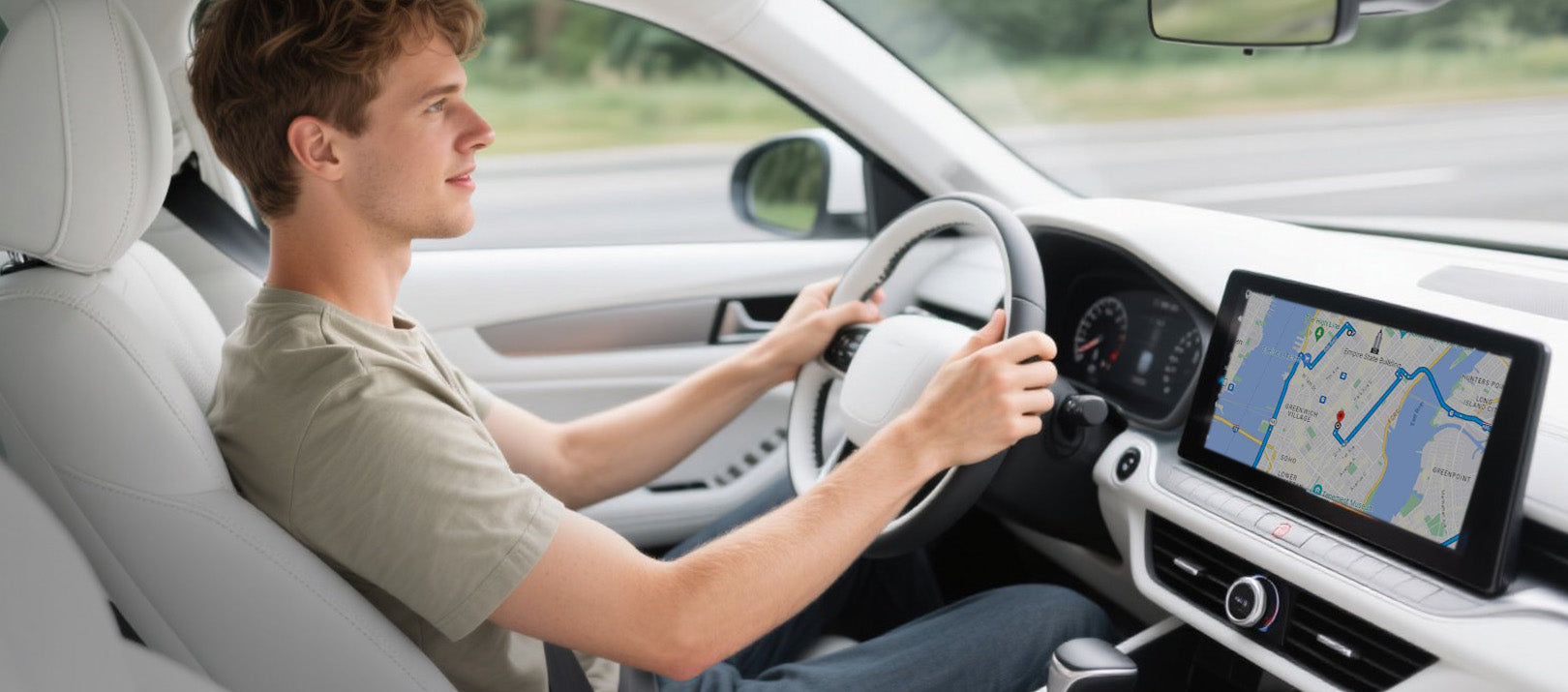
Effortless connection
Mirror Touch provides a seamless connection for every journey
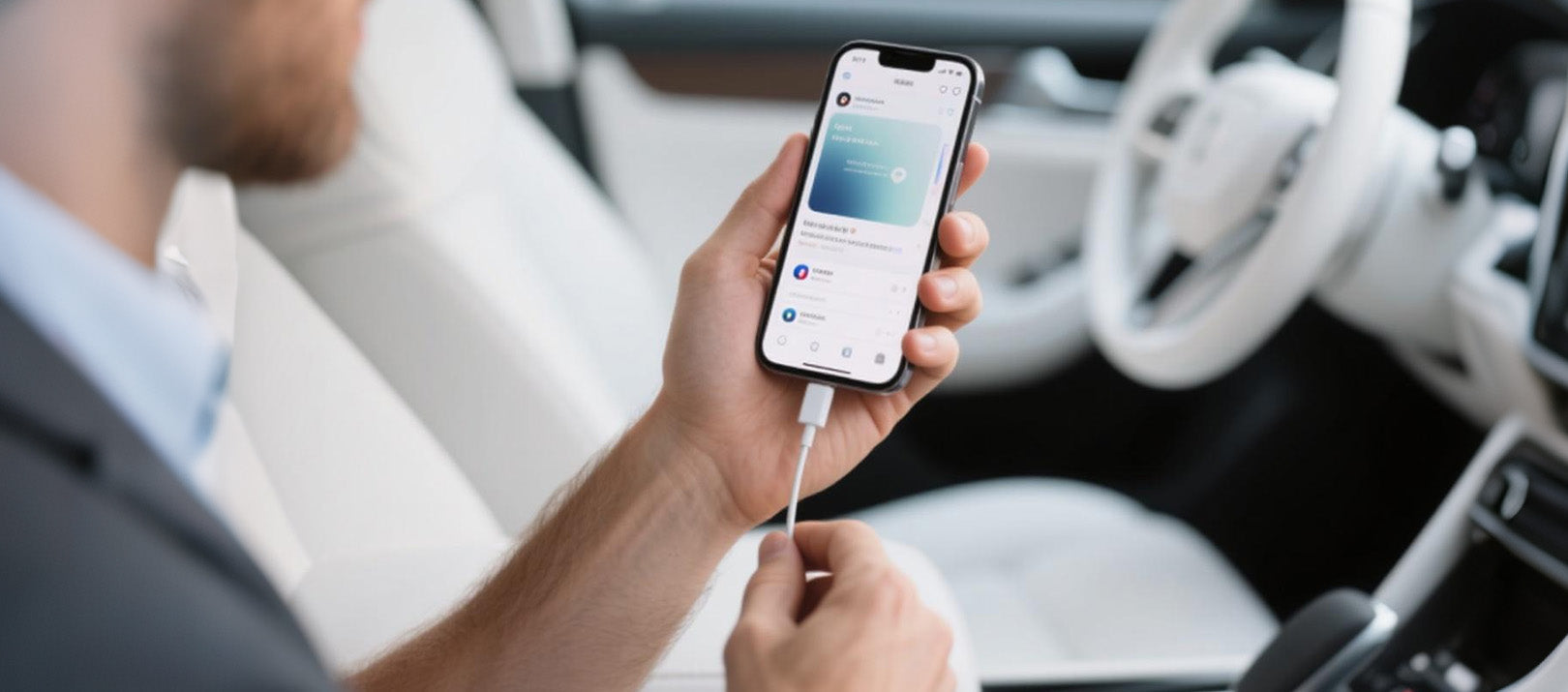
Drive safer
Making every journey smarter and safer
Using the dashboard instead of the phone to reduce driving errors by approximately 80–85%
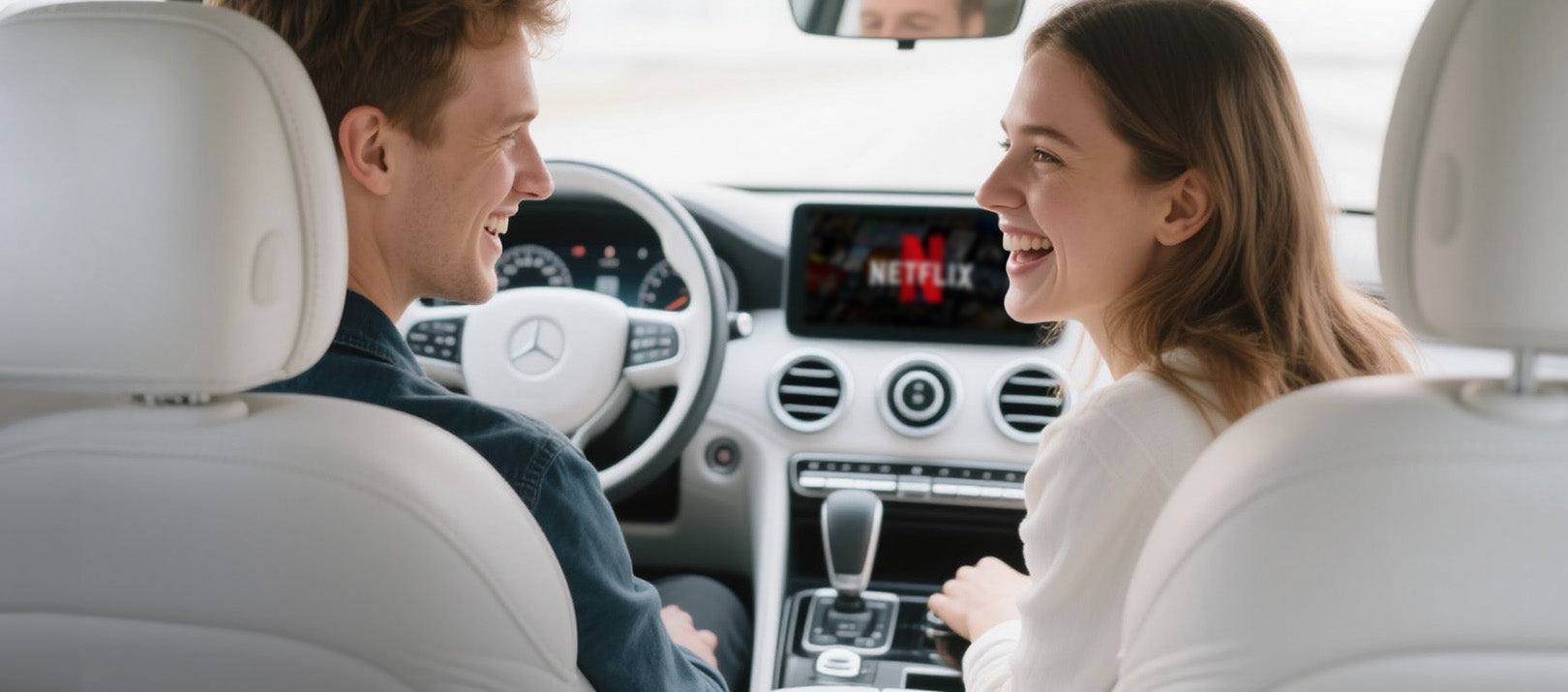
Instant synchronization
Your car's screen displays everything from your phone as soon as you get in


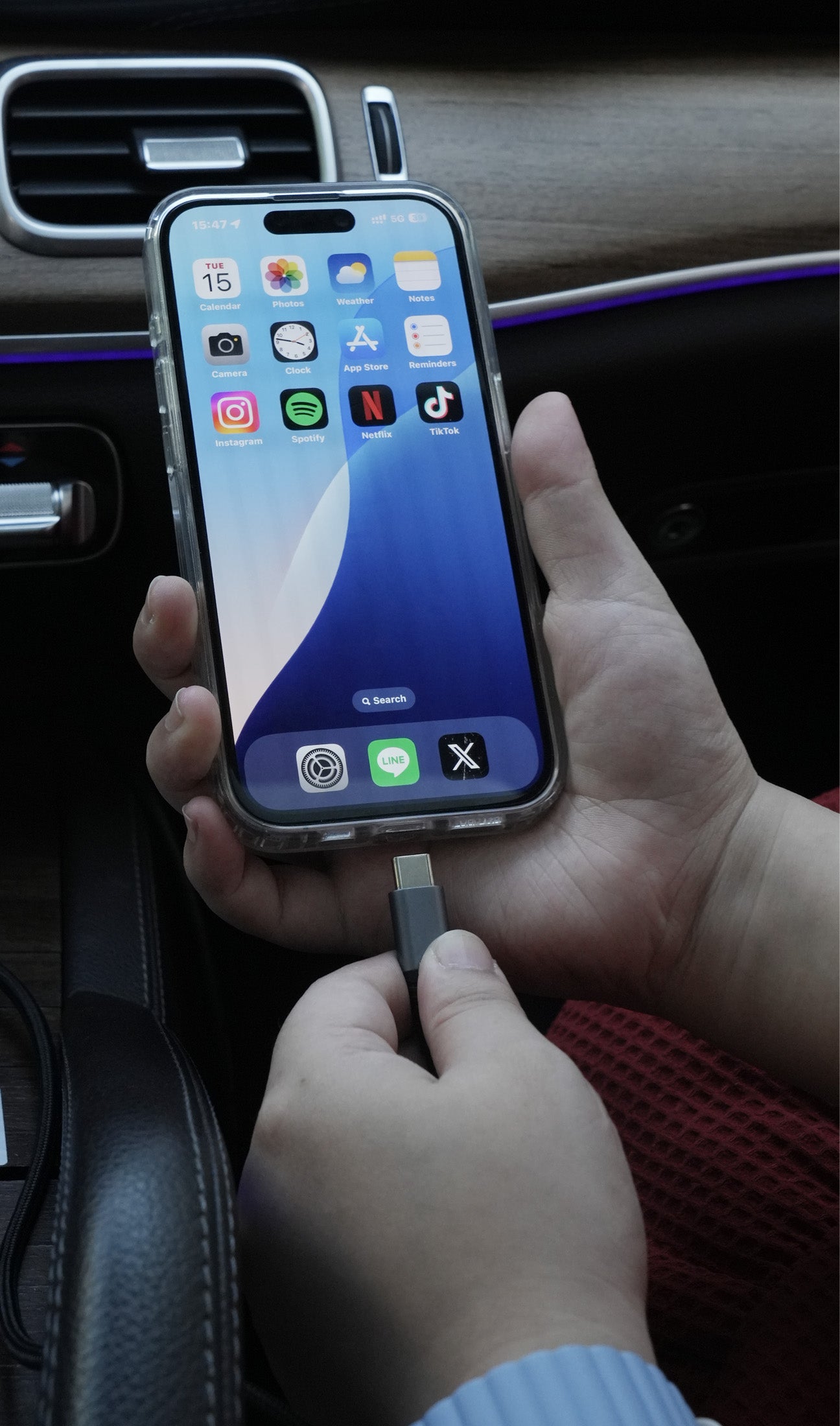
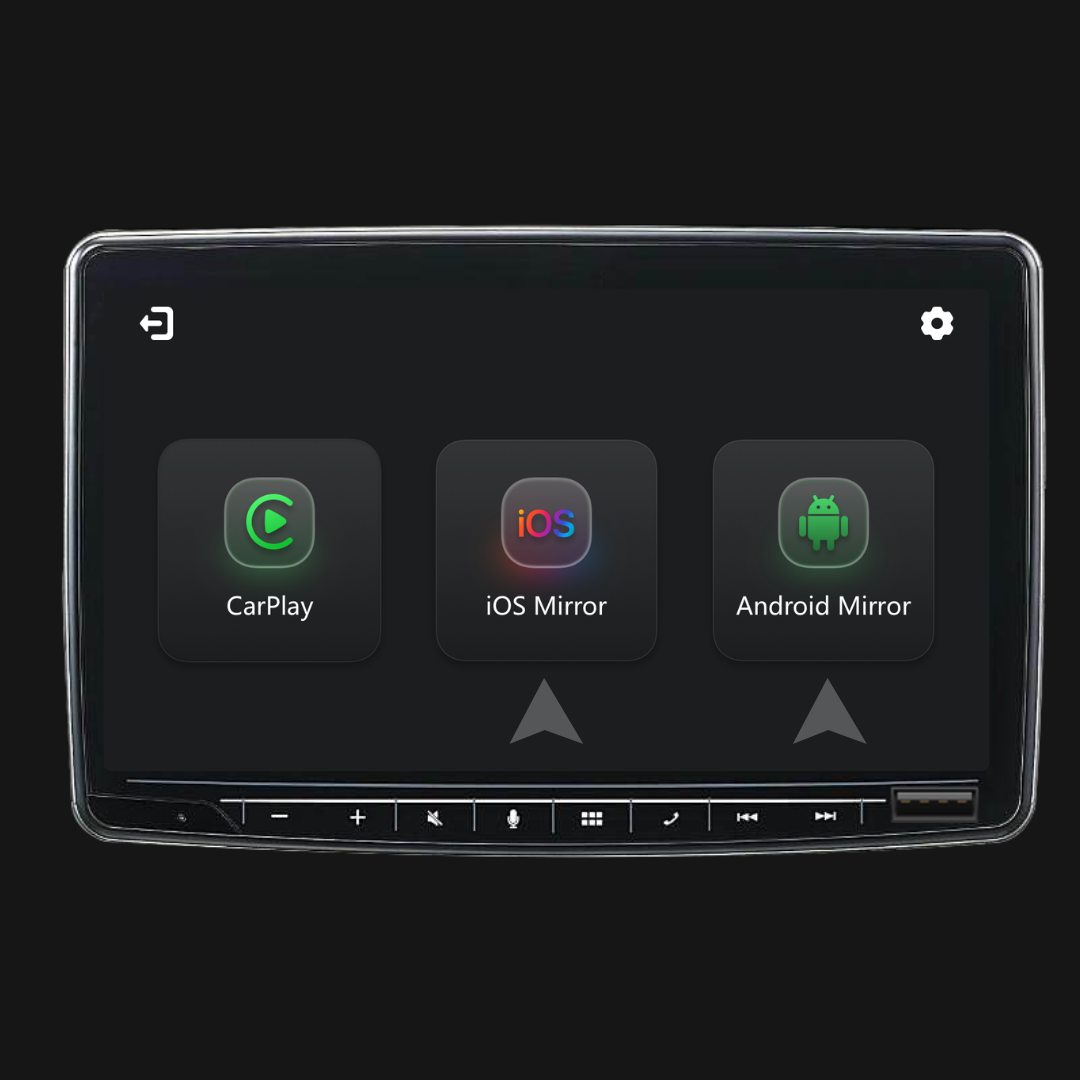
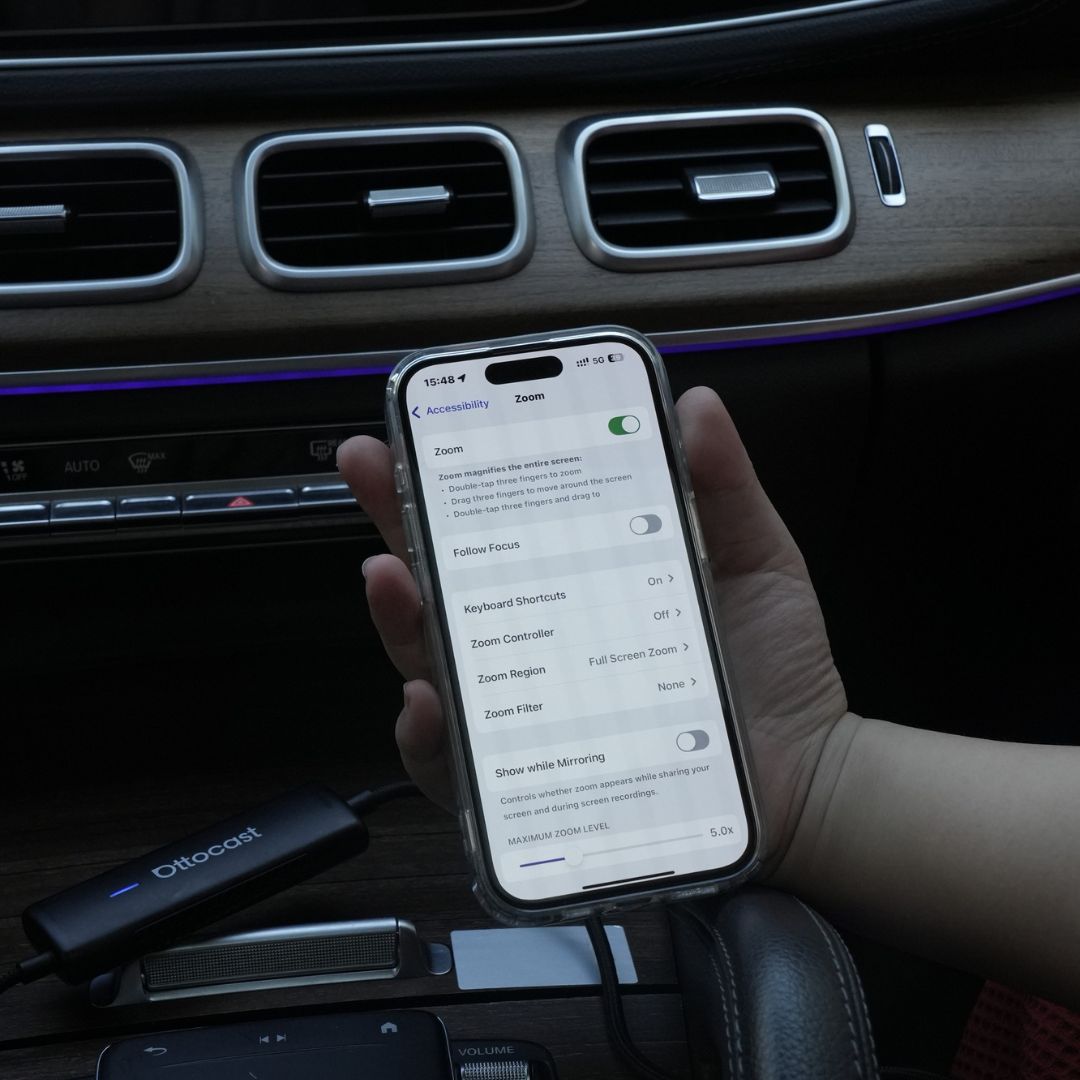
Three steps for transmission and control