

Wireless CarPlay and Android Auto offer many drivers the convenience of automatically connecting their phone in the vehicle without having to plug in a cable each time. However, in practice:
Not every vehicle and every situation is fully suitable for a wireless adapter.
To help you make the right decision and avoid potential problems such as unstable connections, we have compiled typical scenarios and recommended suitable official upgrade solutions.
Situation 1: The original infotainment system is too old or does not support CarPlay.

A wireless CarPlay adapter requires that your vehicle originally supported wired CarPlay or Android Auto.
If your vehicle is older or the system does not support CarPlay, an adapter alone may not be able to guarantee a stable connection.
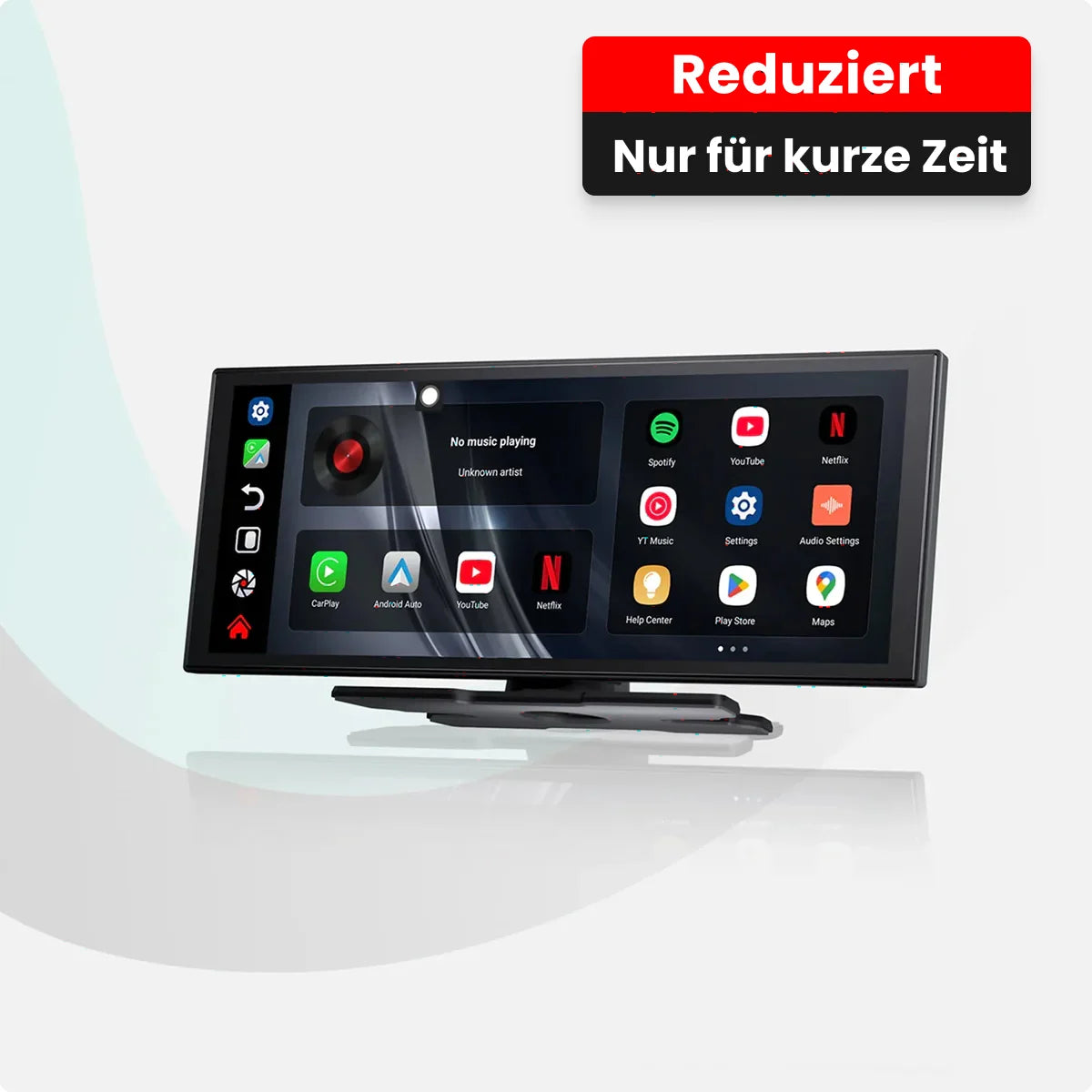
Recommendation: In this case, the Ottoscreen® AI Smart Display is the better solution, as it allows a complete upgrade without putting any strain on the original system.
Situation 2: Weak Bluetooth or WiFi hardware in the vehicle

Wireless CarPlay uses Bluetooth for detection and Wi-Fi for data transfer. With older systems, this can lead to the following problems:
- slow connection
- temporary interruptions
- unstable usage
Recommendation: The Ottocast® Mini Cube 3.0 Wireless CarPlay and Android Auto adapter enables wireless CarPlay in many vehicles. However, if Bluetooth/WiFi is limited in the vehicle, the Ottoscreen® AI display offers a more stable connection.
Situation 3: Compatibility differences between certain vehicle models
Different vehicle manufacturers optimize their systems differently, which can lead to limitations:
- automatic interruptions
- longer start times
- limited functionality
Recommendation: Check the compatibility list before purchasing and make sure your vehicle is supported.
Situation 4: Very demanding users regarding response time
Wireless CarPlay can have slightly higher latency than wired systems. While this is usually imperceptible in everyday use, a wired system or a smart display might be the better choice for situations requiring the highest response times.
For which users is wireless CarPlay suitable?
If your vehicle meets the following requirements:
- Support for wired CarPlay / Android Auto
- up-to-date infotainment system with stable Bluetooth/WiFi performance
- Focus on comfort and wireless use
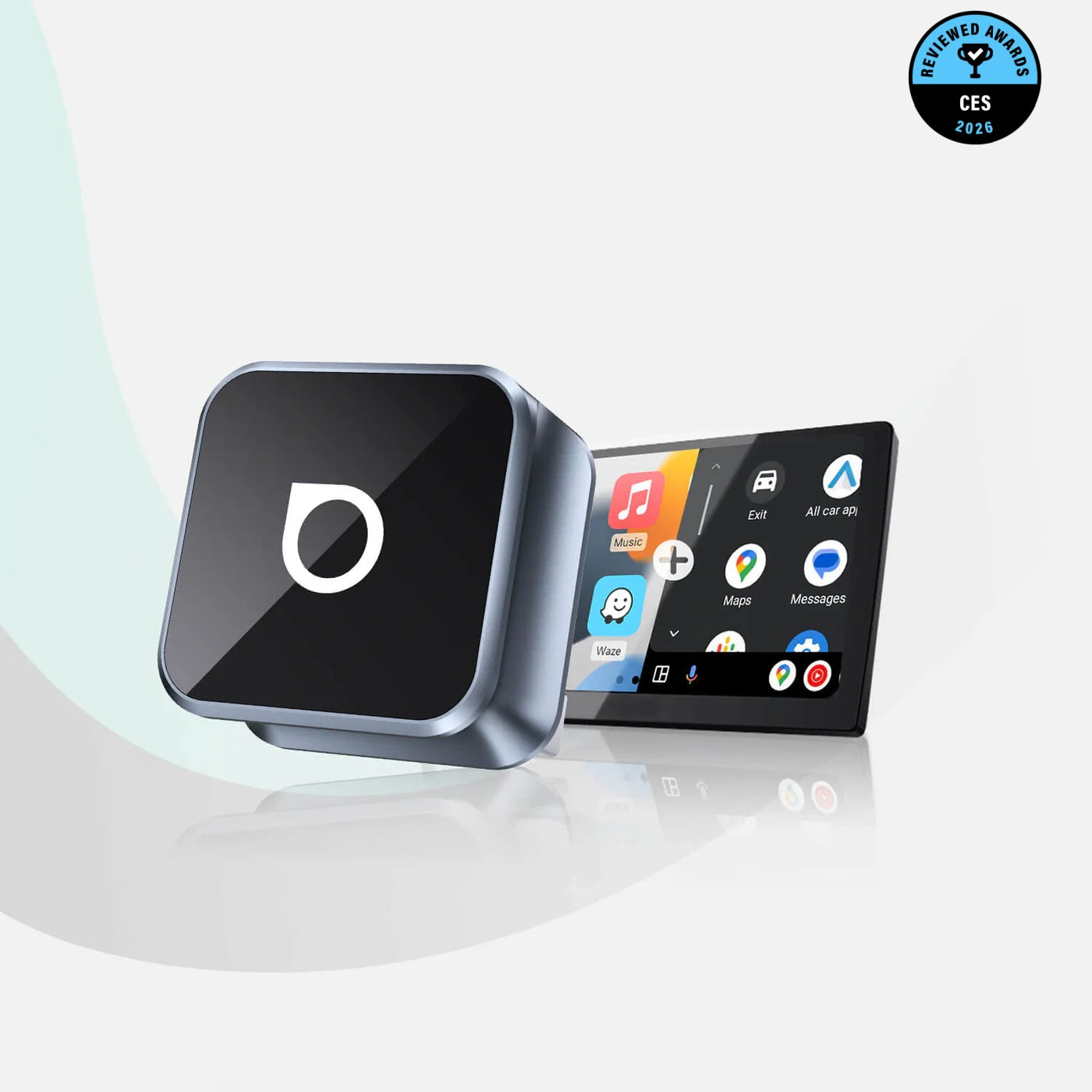
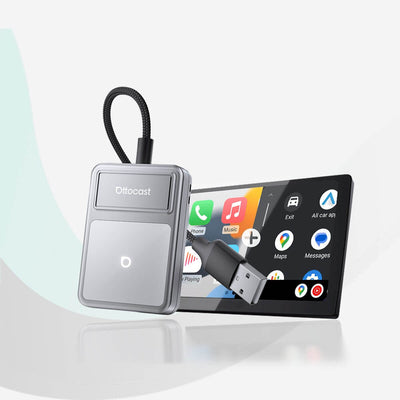
Then the Ottocast® Mini Cube 3.0 Wireless CarPlay and Android Auto Adapter is ideal – simply connect via USB and enjoy wirelessly.
If the original system isn't sufficient – Smart Display Upgrade
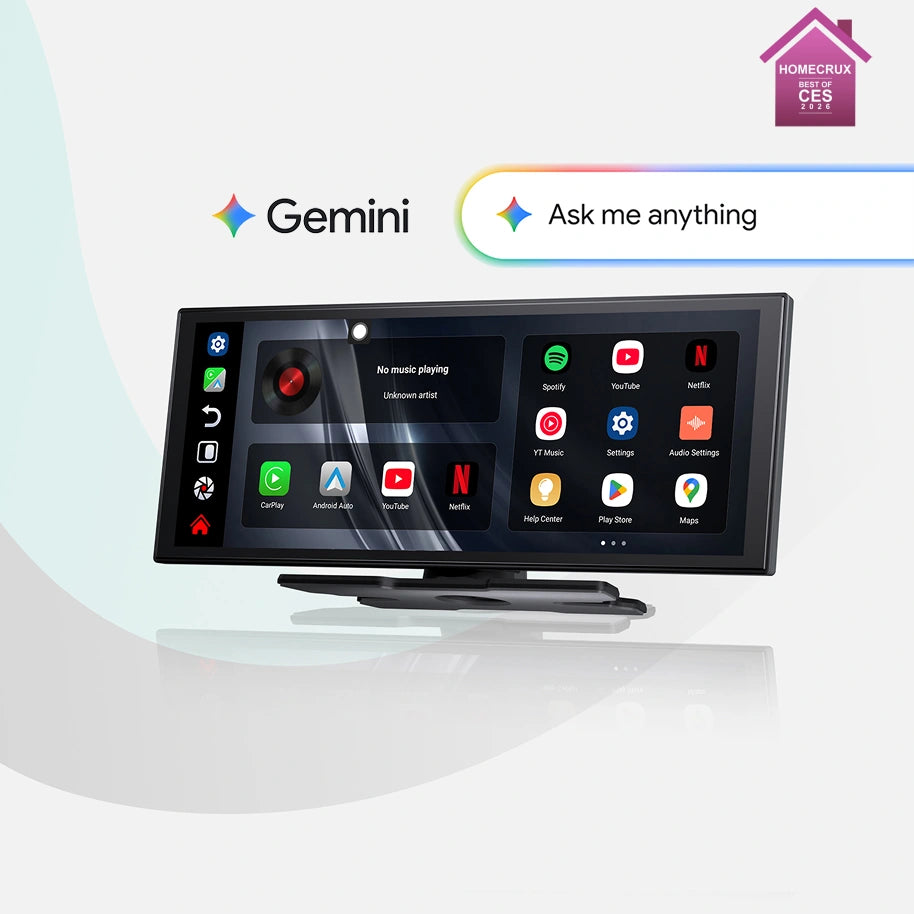
For vehicles without CarPlay or with limited system performance, we recommend the Ottoscreen® AI Smart Display :
- large high-resolution touchscreen
- Original support for wireless CarPlay and Android Auto
- Stable operation independent of the original system
- expanded entertainment and app options
- integrated Gemini AI assistant for voice control in English
The smart display offers a more comprehensive upgrade than a simple adapter and creates a modern user experience.
In short:
- Does your vehicle support original CarPlay / Android Auto? → Ottocast® Mini Cube 3.0 Wireless Adapter
- Does your vehicle not support CarPlay or would you like a complete smart upgrade? → Ottoscreen® AI Smart Display
Conclusion
Wireless CarPlay can significantly simplify your everyday driving – but only if the system is compatible. The right solution makes all the difference.
Learn more about our products:


Product recommendations