

New car models come with CarPlay – but what about older vehicles? If you think you can't use it in your car, you're wrong. Older models just need the right equipment, and presto! You can get CarPlay support – you just need to install it correctly, and the rest takes care of itself.
The most important reasons why you should install Apple CarPlay in an older car
You've used Bluetooth or the AUX input for years. It works, but why change? Simple: convenience! CarPlay is easier to use – which also means it's safer. Here are the main advantages:
- More secure voice control via Siri
- Real-time navigation with Apple Maps, Google Maps, Waze, etc.
- Voice-activated functions
- A tidy interior without tangled cables
So, what do you need to retrofit CarPlay in an older car? There are three options.

Option 1: Installation of a standalone CarPlay display (without replacing the original radio)
If your older car doesn't support Apple CarPlay at all, you don't need to replace the original car radio. A standalone CarPlay display is a simpler, more flexible, and non-invasive solution for bringing modern infotainment features to your vehicle.
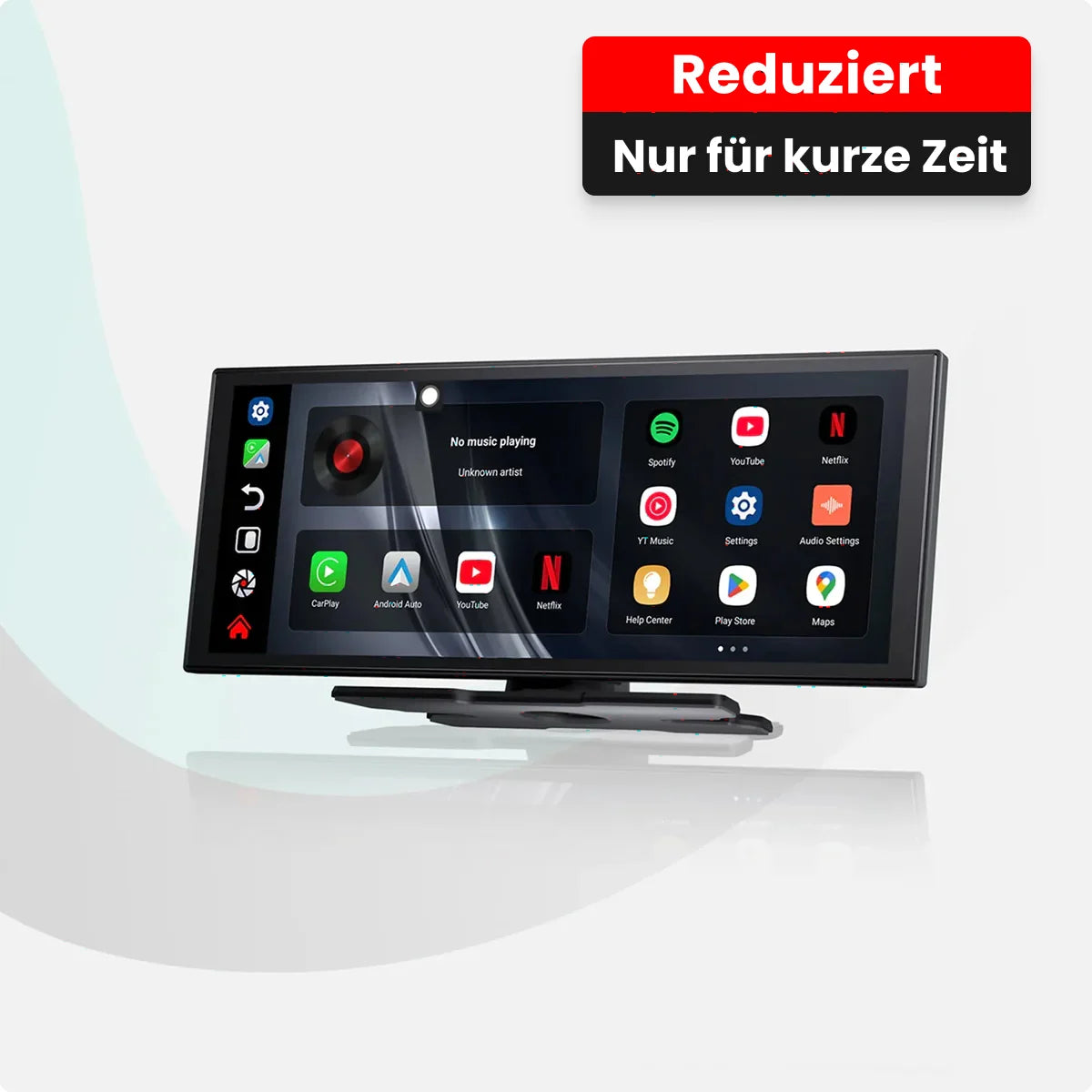
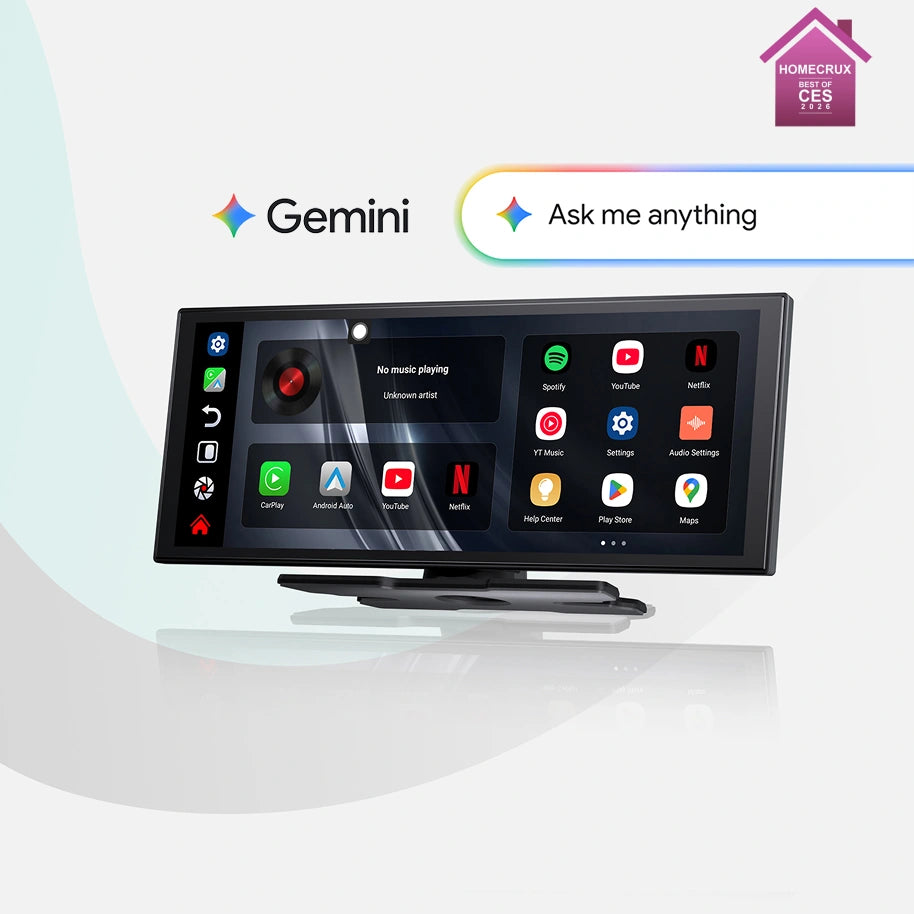
OttoScreen AI was specifically designed for older vehicles that never supported CarPlay. It offers a full Apple CarPlay and Android Auto experience via a larger, smoother touchscreen and a more immersive visual interface, bringing a true modern infotainment upgrade without altering the vehicle's original system.
With improved screen clarity, smooth performance, and stable connectivity , OttoScreen AI is ideal for drivers looking to upgrade their in-car infotainment system, enjoy better visuals, and have a seamless everyday experience. The display is easy to mount on the dashboard or windshield and connects to your car's audio system via Bluetooth, AUX, or FM – installation remains simple and requires no modifications to the vehicle's electrical system.
A particular highlight is the integrated AI voice assistant , which allows you to control navigation, music, calls and apps via natural voice control – making driving safer and more convenient.
Here's how it works
Instead of removing your original radio, OttoScreen AI works independently:
- You plug the screen into a power source
- You can connect the audio output wirelessly or via AUX.
- You pair your smartphone
- You can start using Apple CarPlay immediately.
Why choose this option?
- No replacement of the original radio
- No permanent modifications to the car
- Quick and easy installation
- Modern touchscreen experience even in older vehicles
- Hands-free operation thanks to integrated AI voice assistant
Things to consider
While OttoScreen AI doesn't replace your vehicle's internal audio hardware, it remains the most cost-effective and user-friendly solution for bringing Apple CarPlay to a vehicle without native support. If your car has never supported CarPlay, this is the easiest way to modernize your driving experience without the complexity or expense of a complete system replacement.
Option 2: Using a CarPlay AI Box
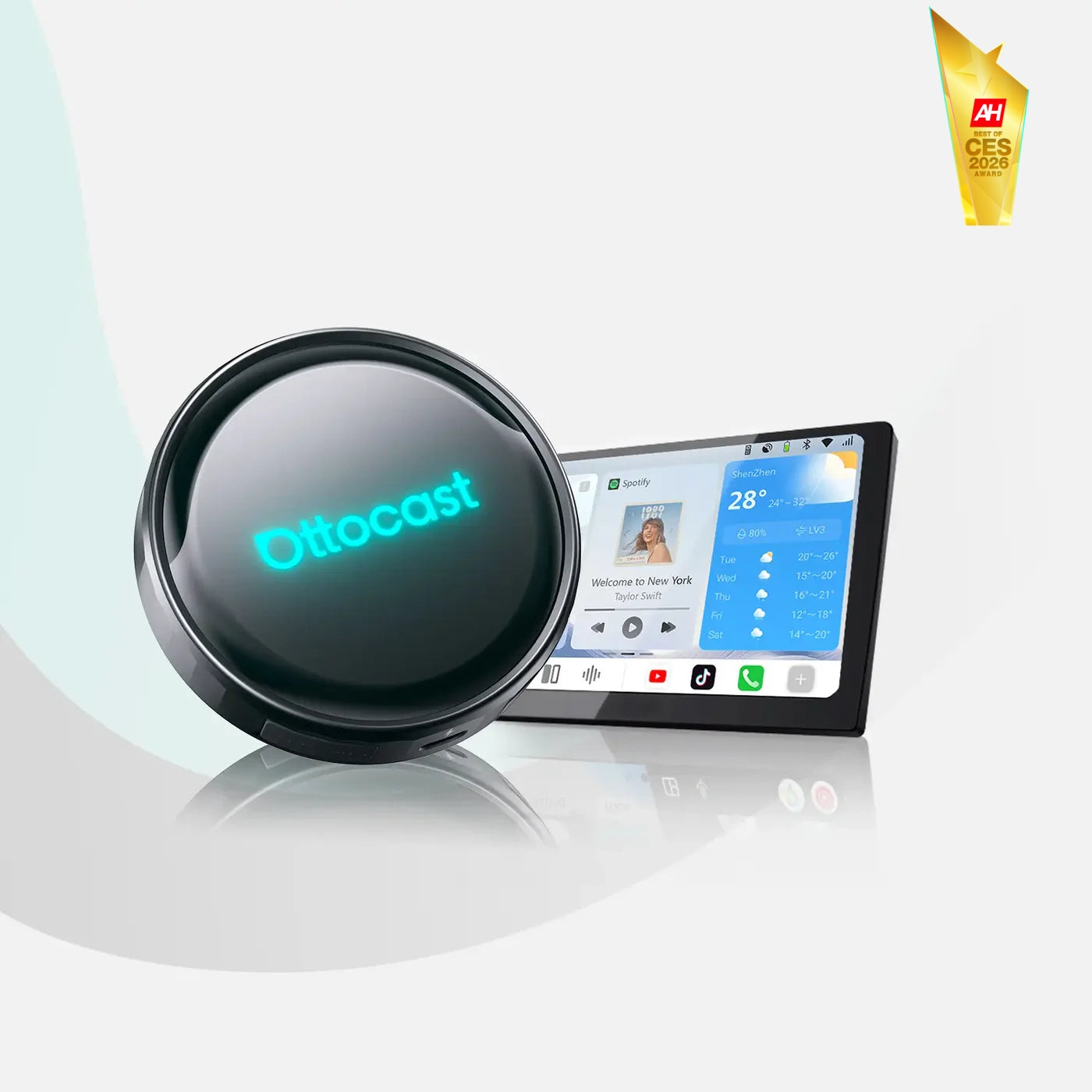
If your car already supports wired CarPlay, an AI Box offers wireless access, standalone apps, increased performance, and the feel of a smart touchscreen system. One of the most advanced models is the Ottocast P3 Pro CarPlay AI Box .
This smart device converts wired CarPlay into a wireless connection and simultaneously adds YouTube, Netflix, Google Play, and other Android apps. It also improves loading speed and screen responsiveness, making multitasking significantly easier.
Many vehicles introduced between 2016 and 2021 offer wired CarPlay, but no wireless support. The P3 Pro fills this gap.
Option 3: Using a wireless CarPlay adapter
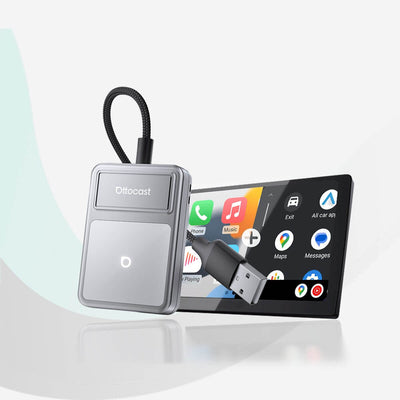
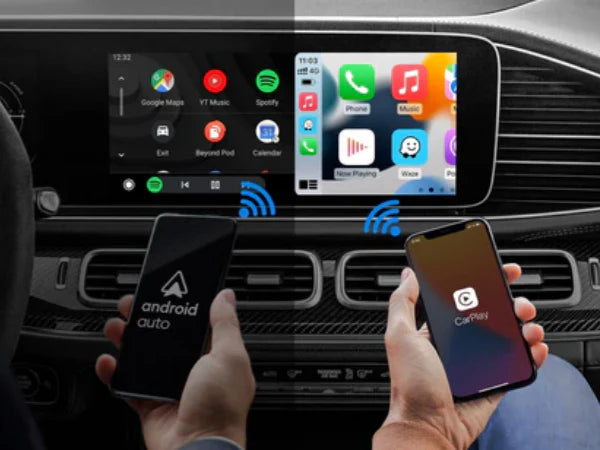
If you simply want to eliminate cables from your setup, a wireless adapter is the easiest and fastest way. It retains your original system but makes CarPlay significantly more convenient.
Excellent options include:
Cabin Care Owl Monitoring Wireless CarPlay Adapter: Plug-and-play, quick start-up, stable connection. Ideal for users seeking simple reliability.
Mini Cube 3.0 Wireless CarPlay and Android Auto Adapter: Compact, fast pairing, supports iOS and Android, smoother reconnection. Perfect for users who frequently switch devices.
Play2Video Ultra All-in-1 Adapter with App Hub: Mirrors your phone, supports video playback, and transforms the original screen into a complete media hub. Ideal for older vehicles with wired CarPlay.
Step by step: How to install wireless CarPlay in an older car

Step 1: Start your car to power the infotainment system so the device can connect.
Step 2: Plug the adapter into the USB CarPlay port. If there is no dedicated port, use the main USB data port.
Step 3: Wait for the on-screen messages. The display will indicate that a new device is loading (usually 10–20 seconds).
Step 4: Open Bluetooth on your smartphone and pair with the adapter. The device will do the rest automatically.
Once these steps are completed, the device will connect automatically every time you start your car.
Which option is right for you?
- Install a new radio if your car does not support CarPlay at all and you want a modern touchscreen and a complete audio upgrade.
- Choose an AI Box like the P3 Pro if you already have wired CarPlay and want to use wireless CarPlay and streaming apps.
- Choose a wireless adapter for a cost-effective, quick and easy upgrade if your car already has wired CarPlay but you want more convenience.
Summary
Retrofitting Apple CarPlay into an older car sounds complicated, but it isn't. The upgrade helps you drive more safely and enjoy your journeys more – regardless of the option you choose. If your car already has wired CarPlay, Ottocast offers several products and solutions to modernize your vehicle without replacing the entire system.
Discover our products or read more articles on our blog to learn more.


Product recommendations