


HUD Windscreen Display G15
Tax included, Free Shipping
Versandinfo
Shipping within 48 hours (excluding weekends and public holidays)
Returns & Warranty
30-day return policy for all orders, plus a 2-year warranty.
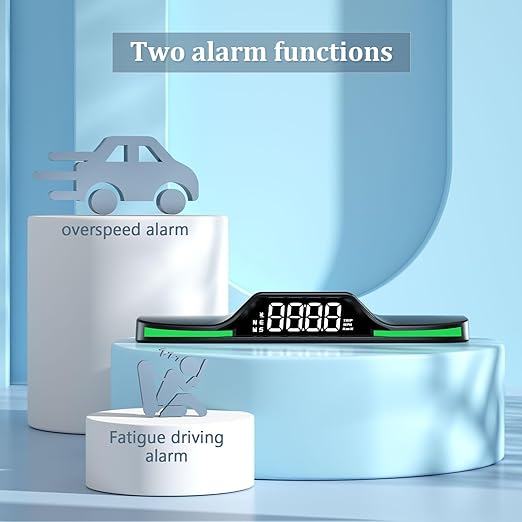
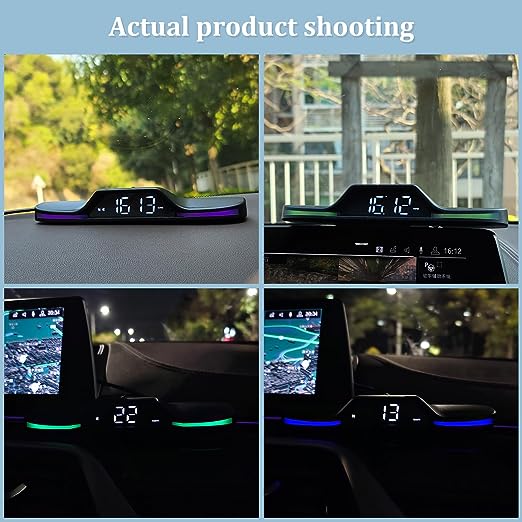
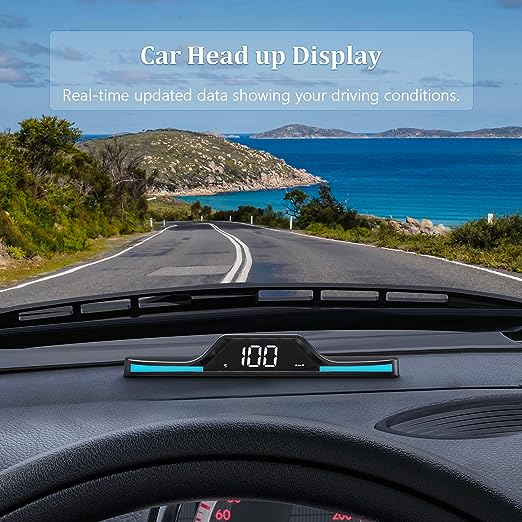
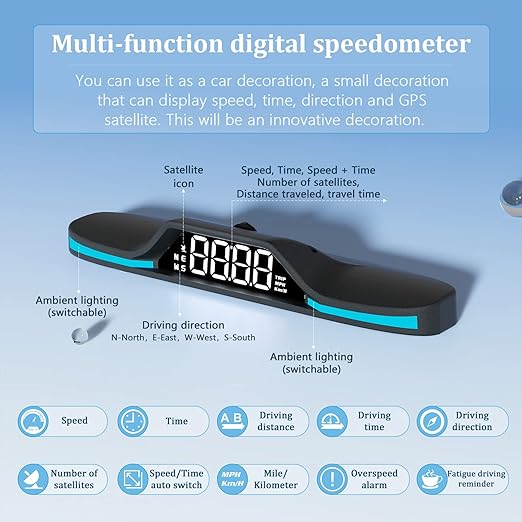
【Product Introduction】: The car head-up display with the new GPS system can display multiple functions. While driving, the device shows driving data depending on the driving situation: speed/driving time/mileage/time/direction, as well as a GPS compass display. The speed display can be switched between MPH and


Share

HUD Windscreen Display G15
Sale price52,99 €
Regular price79,99 € (/)
You might also like


OTTOCAST® CloudSIM Data Plan
Sale priceFrom 17,99 €

Ottocare extended warranty
Sale priceFrom 9,90 €
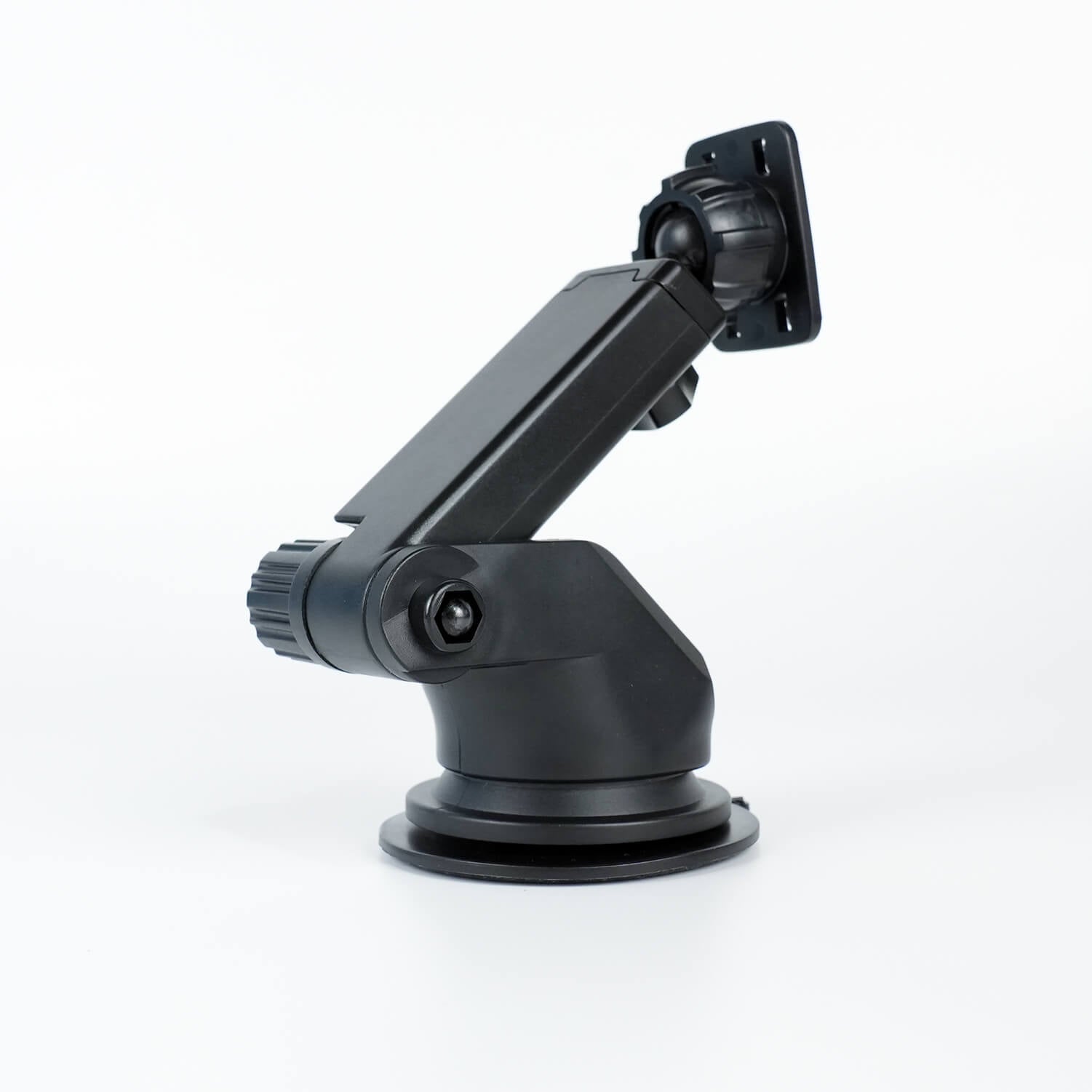
Portable Car Screen Long Arm Bracket
Sale price29,99 €
Regular price34,99 €
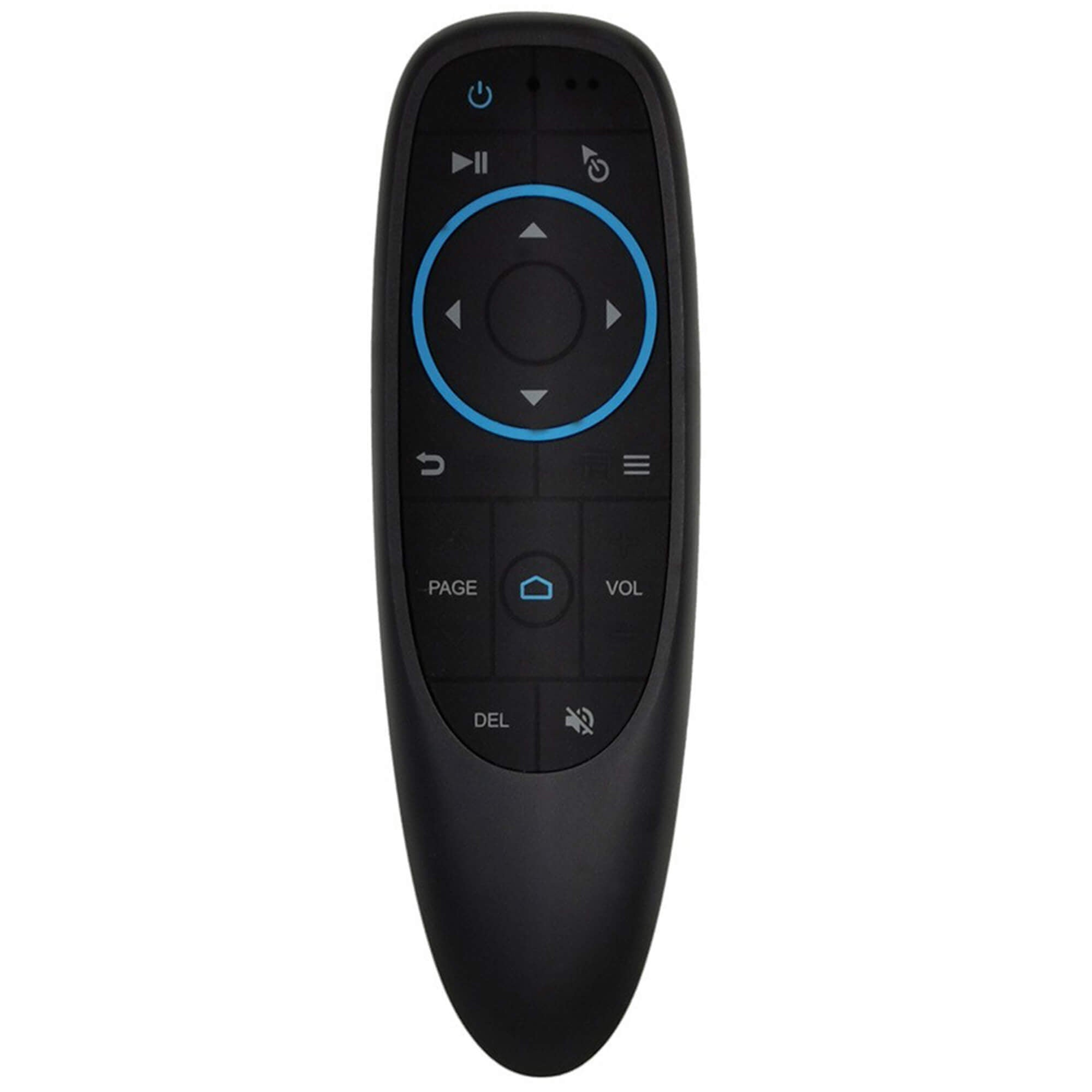
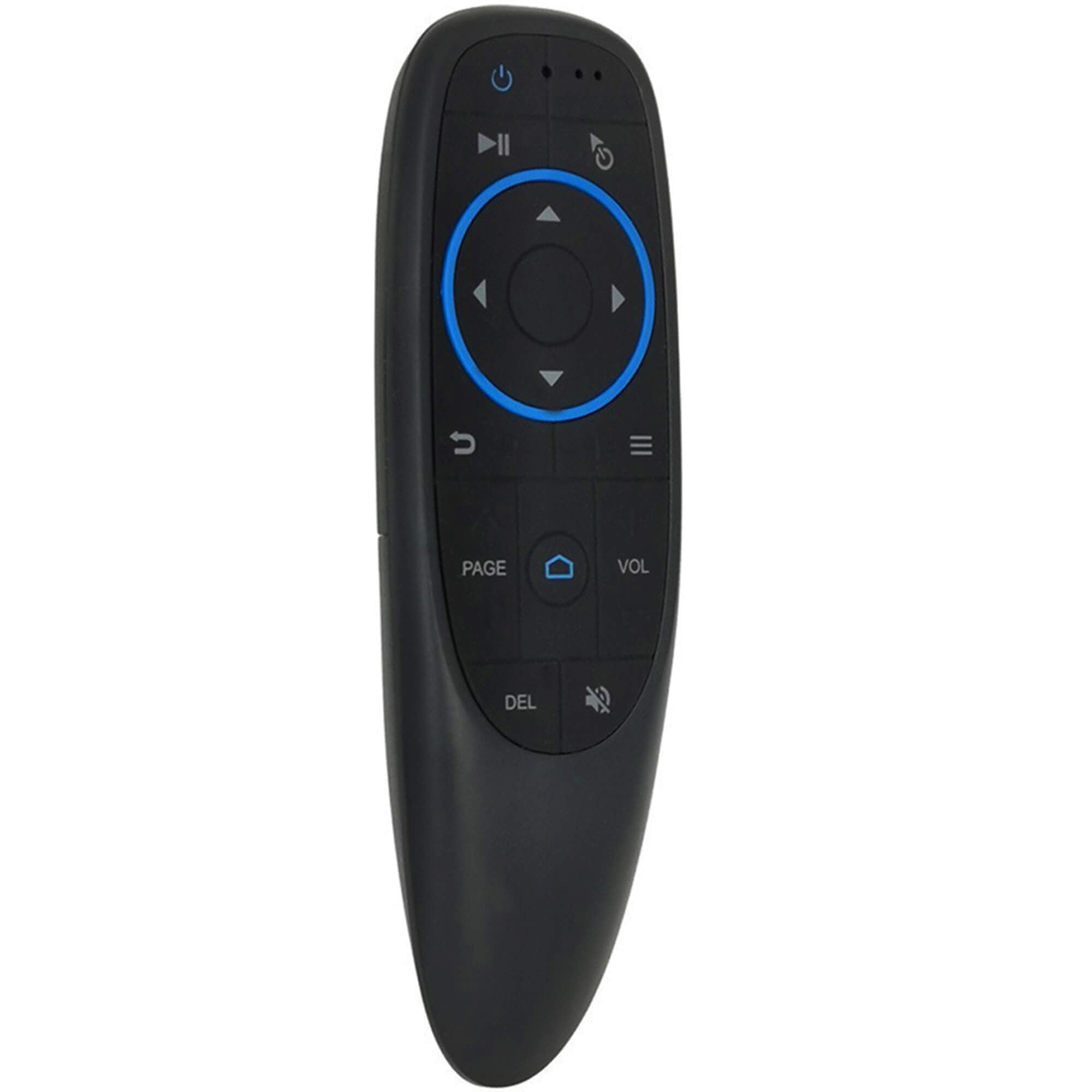
Wireless remote control
Sale price24,99 €
Regular price29,99 €
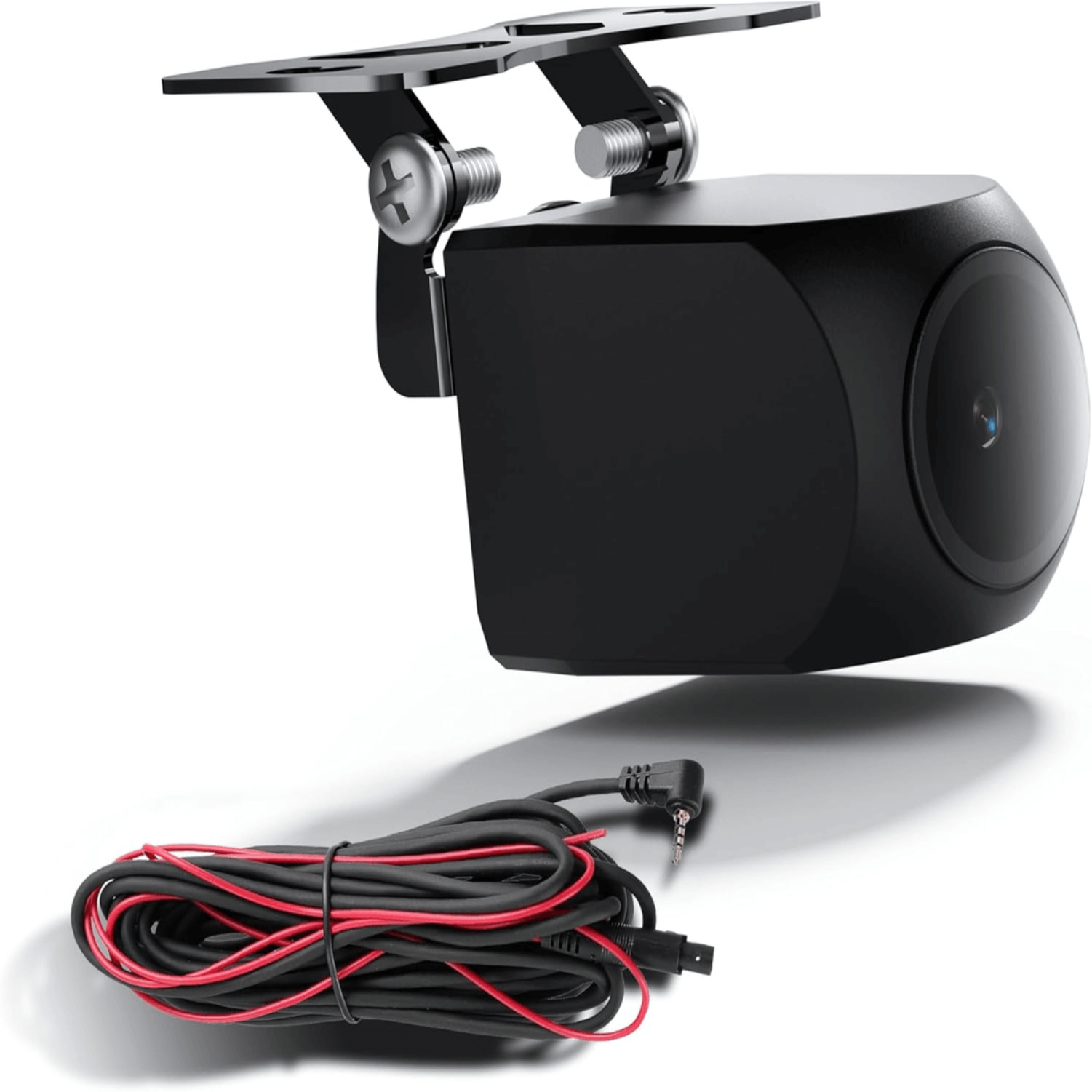
Portable Car Screen Long Arm Bracket
Sale price29,99 €
Regular price34,99 €
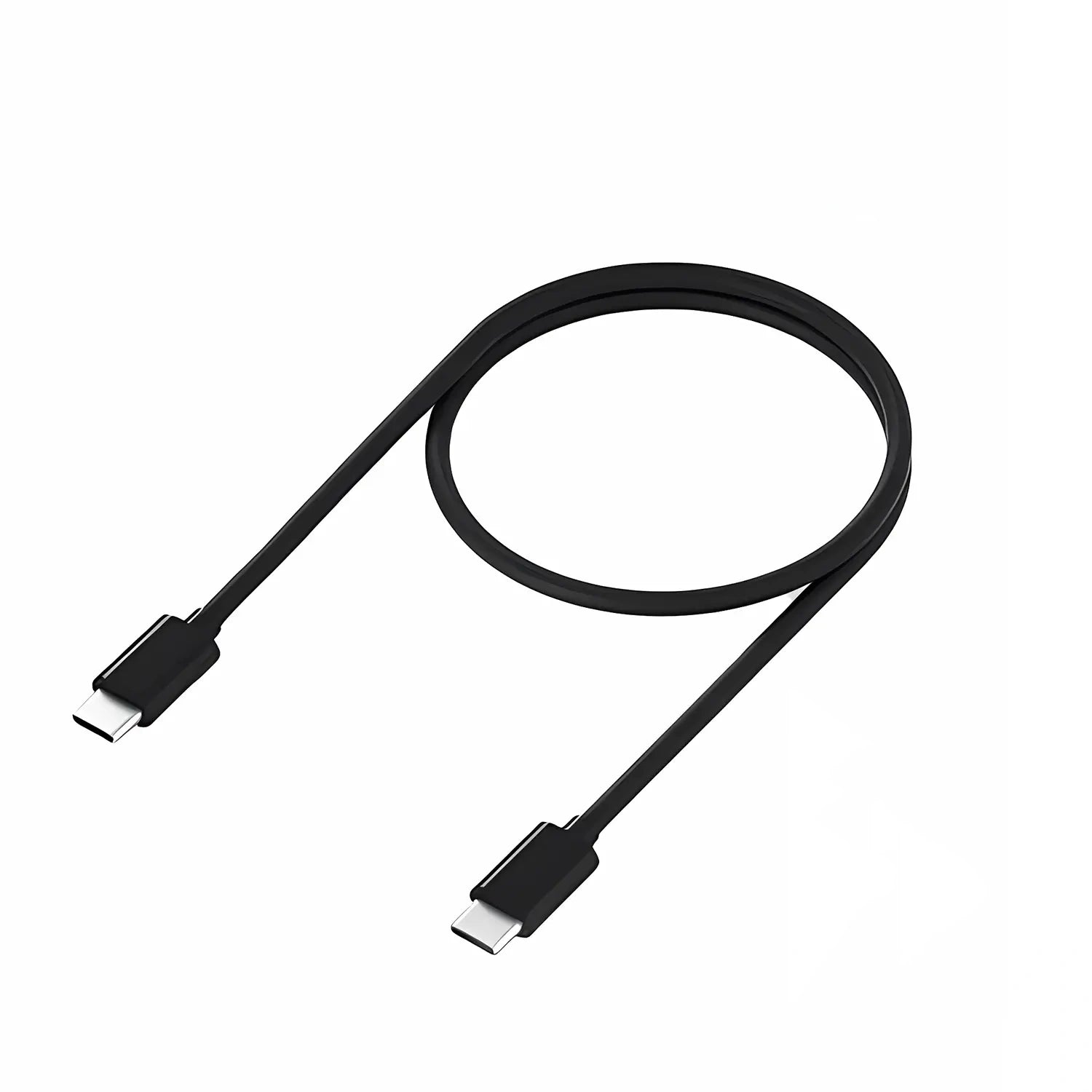
USB Type-C to A(C) Cable
Sale price14,99 €